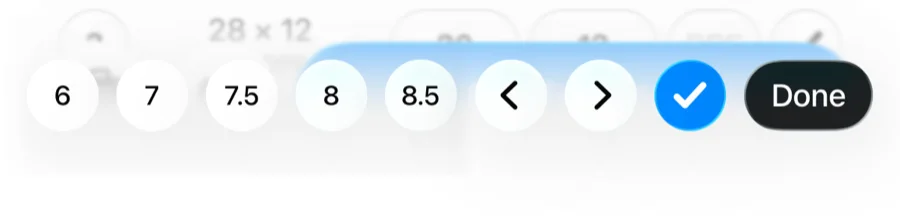

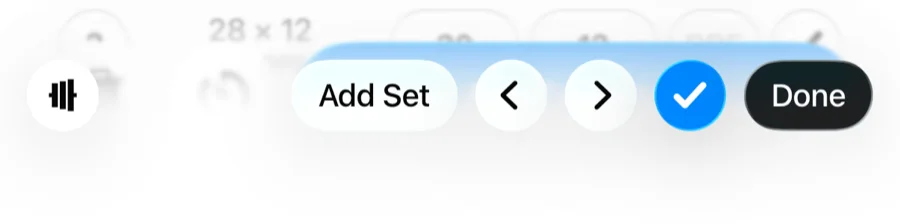
The single biggest logging speed-up in Gript is easy to miss: whenever the keyboard is open during a workout, a toolbar sits right above it with everything you need to log entire sets — so you never have to dismiss the keyboard between sets.
What's on the toolbar
- Previous / next arrows — jump between the weight and reps fields, and from set to set, without tapping tiny inputs.
- Checkmark — complete the current set. This logs it and starts the rest timer.
- Add Set — append the next set to the current exercise.
- Plate calculator button — on barbell exercises, opens the plate calculator for the weight you just typed.
- Done — dismiss the keyboard when you are finished.
The effort quick-pick
When you focus the RPE or RIR field, the toolbar switches modes: instead of buttons, it shows a strip of effort values with plain-language descriptions. One tap logs the effort — no scrolling through a picker.