


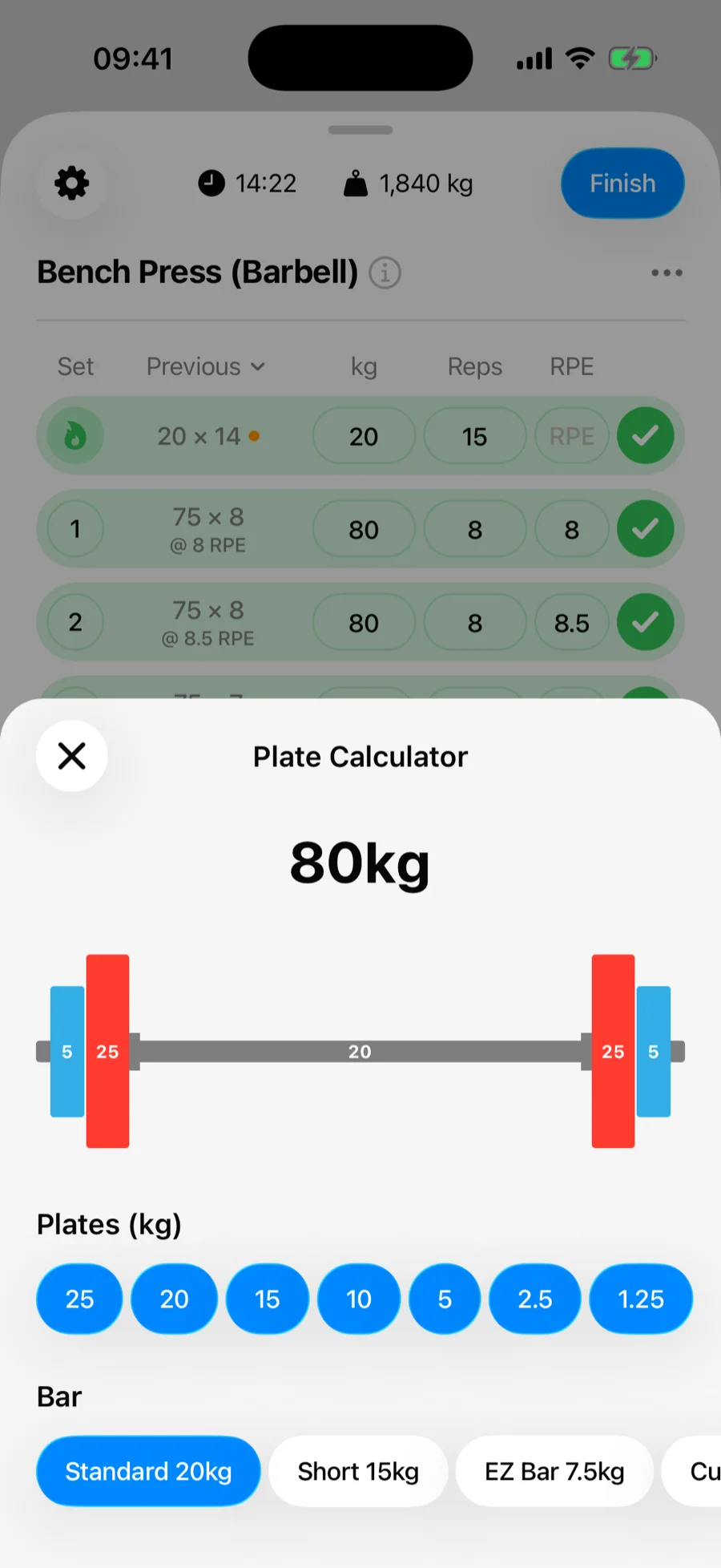
The plate calculator answers the eternal gym math question: "what do I actually put on the bar for 102.5?" Enter a target weight and Gript shows the exact plates for each side.
How to use it#
- On a barbell exercise, tap into the weight field and type your target weight.
- Tap the plates button on the workout keyboard.
- Pick your bar: Standard, Short, EZ Bar, or Custom with any bar weight.
- Select which plates your gym has available.
- Read off the per-side plate breakdown and load the bar.
When the exact weight isn't possible#
If your available plates cannot hit the target exactly, Gript shows the closest achievable weight instead, so you always know your best real-world option.
Example#
Target 100 kg on a standard 20 kg bar with 20, 10, 5, and 2.5 kg plates available: the calculator shows 20 + 10 + 5 + 2.5 + 2.5 per side.