


Most programs don't prescribe exact reps — they prescribe ranges, like "3 sets of 8–12." In Gript, any exercise in a routine can use a rep range instead of a single rep target.
Turn on rep ranges for an exercise#
- Open the routine in the editor (create one or edit an existing one).
- Tap the Reps column header on the exercise.
- Choose Use Rep Range.
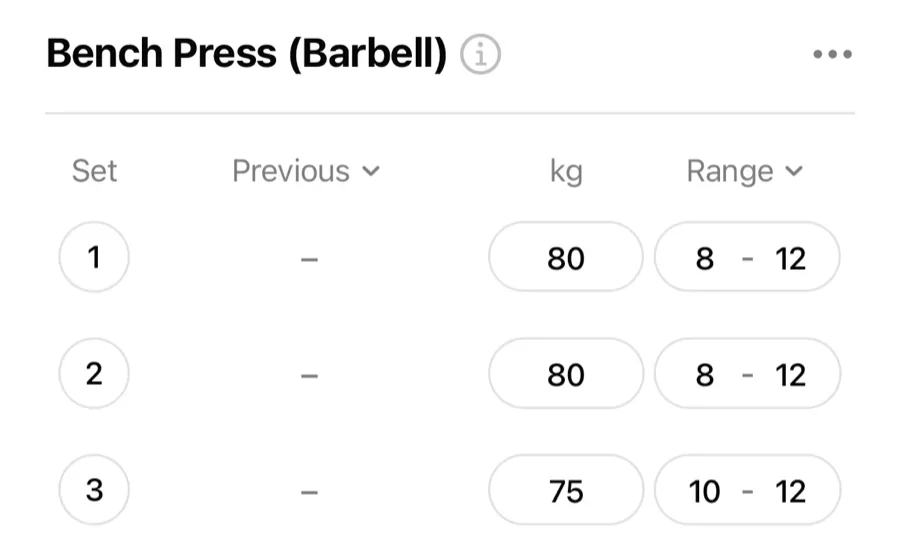
The column becomes Range, and each set takes a minimum and maximum — 8–12 instead of 10. Switch back anytime with Use Single Reps.
What happens during the workout#
When you start the routine, each set shows its target range. You log the reps you actually did — the range is the goal, your log is the truth. Double progression falls out naturally: work up through the range, and when you hit the top on all sets, add weight next time.