


Gript can alert you the moment your rest is over, so you are not staring at a countdown between sets.
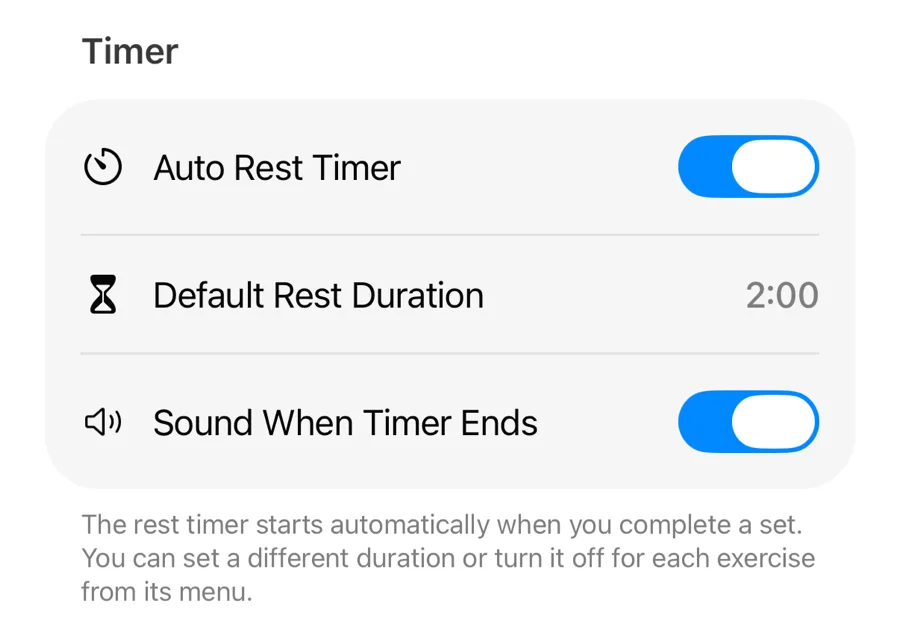
Turn timer sounds on or off#
- During a workout, tap the gear button to open Workout Settings.
- Under Timer, toggle Sound When Timer Ends.
Pick a sound#
With the sound on, a Timer Sound row appears beneath the toggle. Choose between Default, Boxing Bell, Chime, Ding, Buzzer, Service Bell, and Gong — each plays once as you select it, so you can audition them on the spot. The same sound is used for the background notification, and a separate Vibrate When Timer Ends toggle sits just below.
When the app is in the background#
If you switch apps or lock your phone mid-rest, Gript sends a "Rest complete" notification when the timer ends. Make sure notifications are allowed: Profile → Push Notifications.
The notification is marked time-sensitive, so it breaks through Focus modes such as Do Not Disturb or Fitness. Long-press it (or swipe down on it) for two actions: +30 s and +1 min add rest without opening the app, and Gript notifies you again when the extended rest is over.