


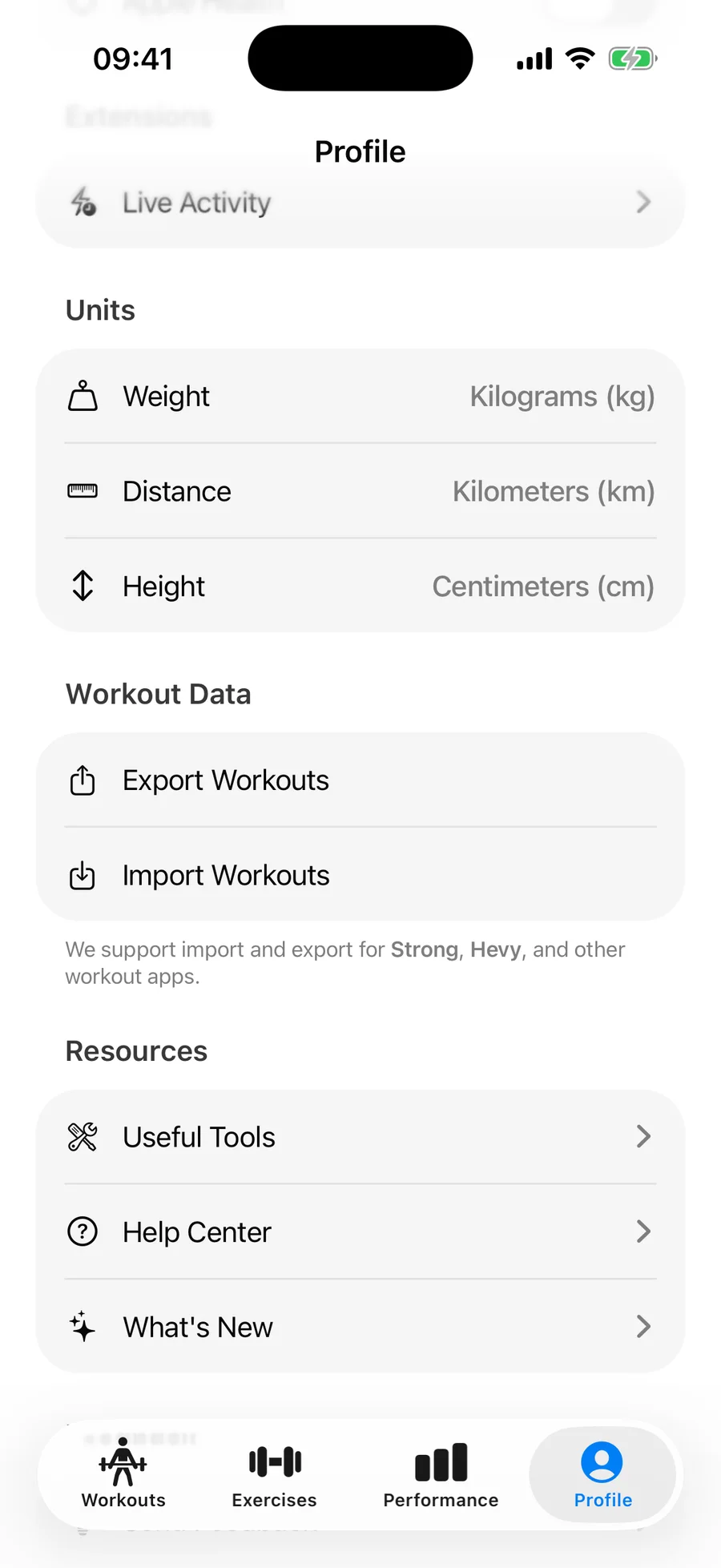
Units and language both live in the Profile tab, and you can change them at any time.
Change weight and distance units#
- Open the Profile tab.
- Under Units, tap Weight and choose Kilograms (kg) or Pounds (lbs).
- Tap Distance and choose Kilometers (km) or Miles (mi).
Your entire history is converted automatically — past workouts, records, and charts all display in the new unit.
Change the app language#
- Open the Profile tab.
- Tap Language and pick from the list.
Gript supports 25 languages, including English, Spanish, German, French, Portuguese, Japanese, and Korean. Exercise names and library search are localized too, so you can find any movement in your own language, and from Gript 1.16 each exercise's description, How to Perform steps, and Common Mistakes read in your language as well. The equipment options in the workout generator follow the same setting.