


You can permanently delete your Gript account and all associated data from inside the app. This cannot be undone.
Delete your account#
- Open the Profile tab.
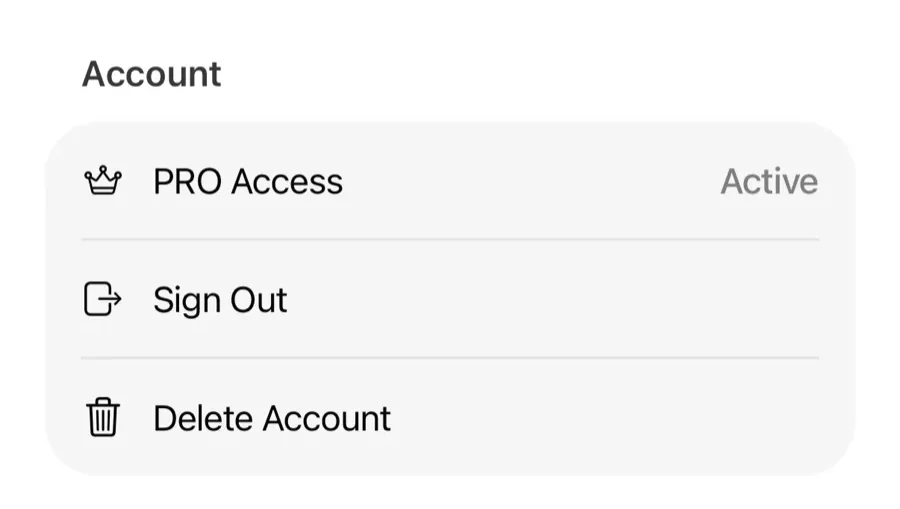
- Tap Delete Account.
- Confirm. Your account and data are permanently deleted.
What gets deleted#
Everything tied to your account: workout history, routines, custom exercises, performance charts, and preferences.
Deleting vs signing out#
- Sign Out — leaves your data in the cloud; sign back in anytime and it all returns.
- Delete Account — erases the data permanently.
About your subscription#
Deleting your account does not cancel an active PRO subscription — billing is managed by the App Store. Cancel the subscription first if you have one.