


Your training data is yours. Gript exports your complete workout history to CSV at any time, on free and PRO accounts alike.
Export your workouts#
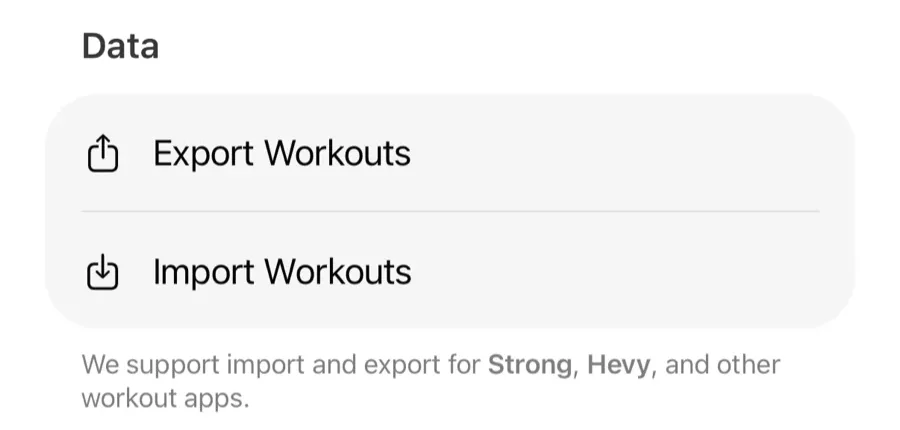
- Open Profile → Export Workouts.
- Pick an Export Format: Gript, Strong, or Hevy.
- Save or share the CSV file — Files, email, cloud storage, anywhere.
Why three formats?#
- Gript — the most complete representation of your data. Best for backups and spreadsheets.
- Strong / Hevy — formatted so those apps can import it. No lock-in: if you ever leave, your history leaves with you.
All three formats include the distance you logged on cardio exercises. The Gript format adds a separate Distance Unit column, so a spreadsheet always shows whether a value is in kilometers or miles.
Good times to export#
- Periodic backups of your training history.
- Before deleting your account.
- Analyzing your training in a spreadsheet.