


Years of workouts in a notes app? A paper training journal? A spreadsheet with your own shorthand? Gript's AI import turns unstructured logs into structured workout history.
Still setting one up? The workout log template guide covers the notes-app version, the spreadsheet template, and a printable log sheet — all three import cleanly here.
Import from pasted text#
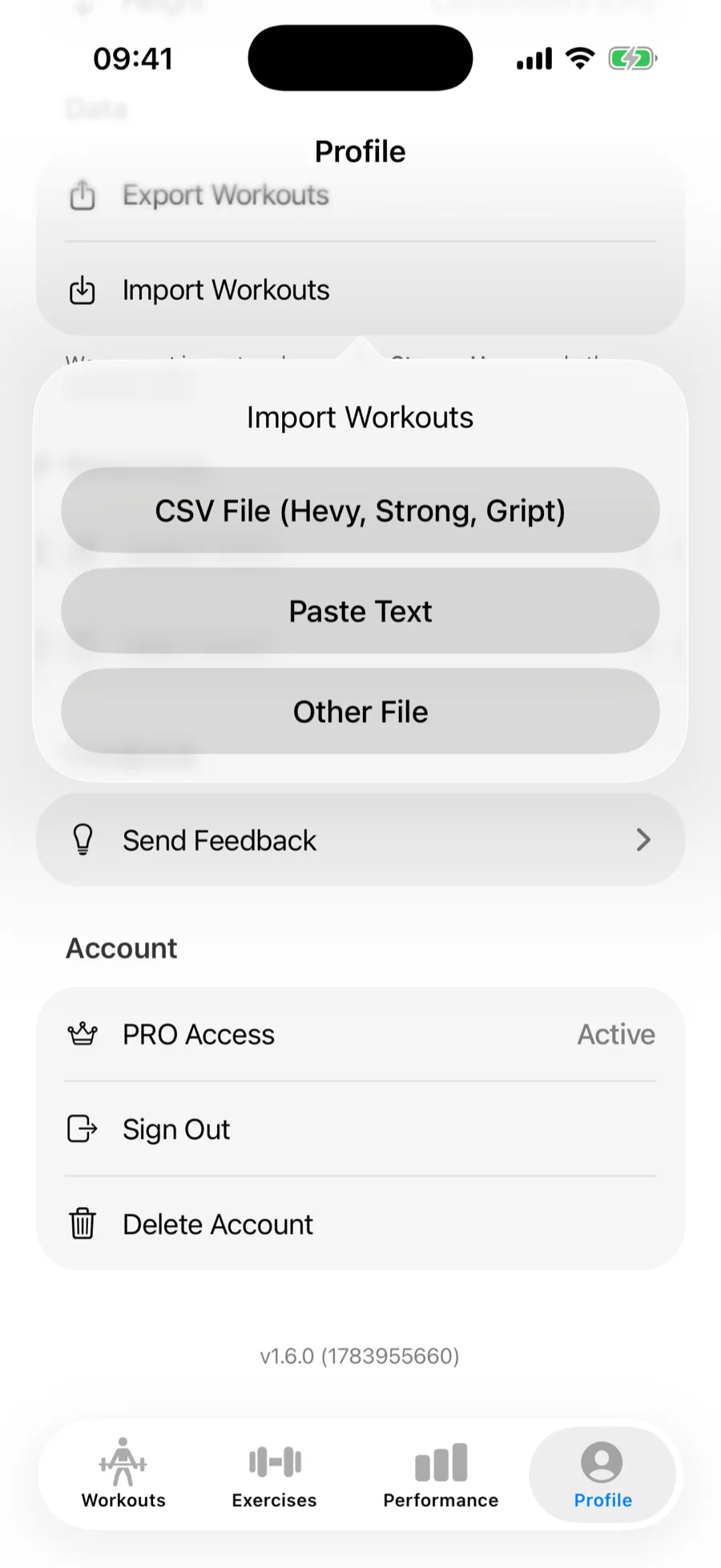
- Open Profile → Import Workouts.
- Choose Paste Text.
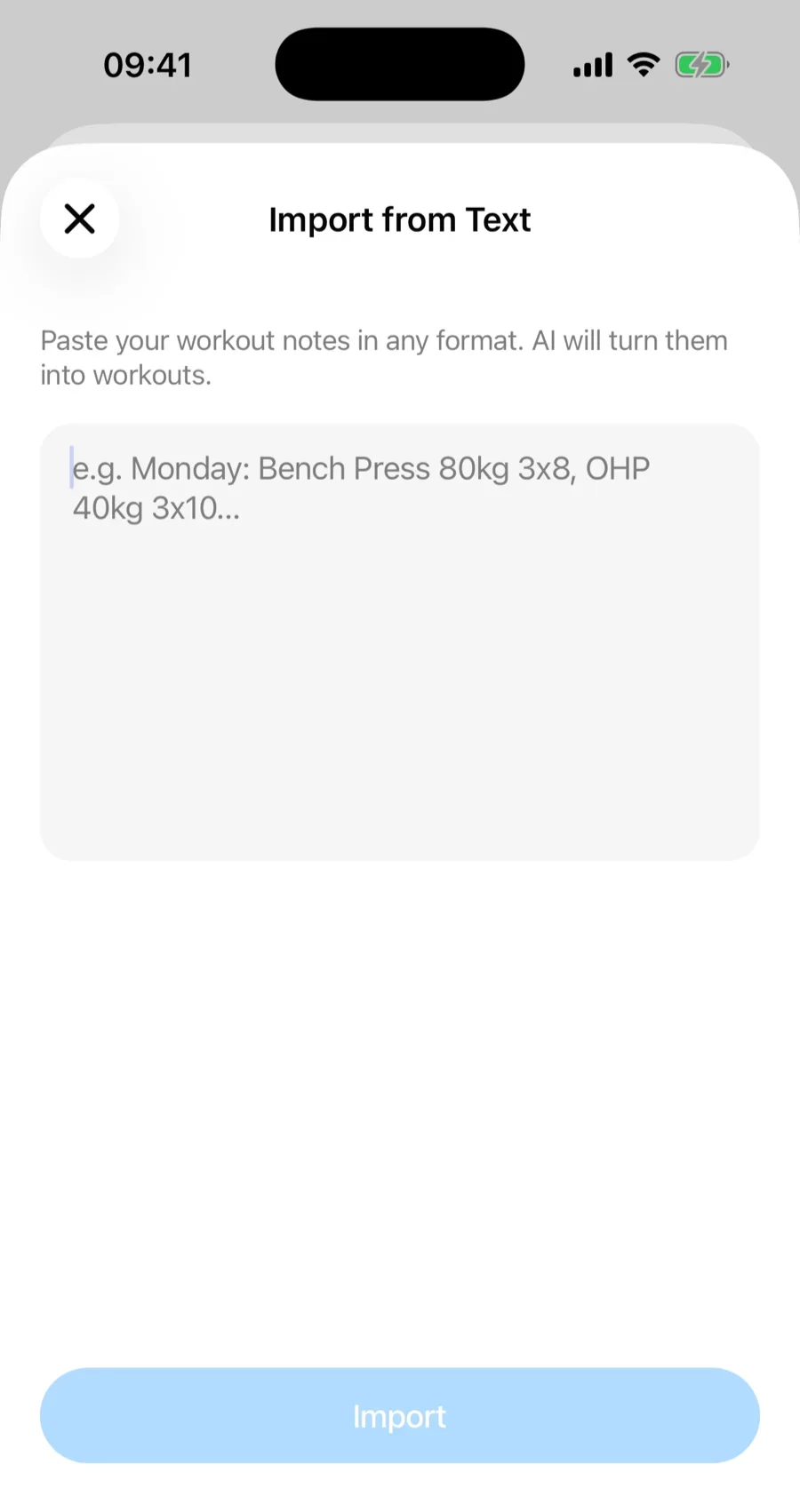
- Paste your notes in any format — "Monday: Bench 80kg 3x8, OHP 40kg 3x10" works fine. A single word is not enough to go on, so Gript asks for at least one exercise with its sets before it starts.
- Tap Import and let the AI analyze it.
Import from a photo, screenshot or file#
Choose Photo or Screenshot to take a picture of a handwritten journal page with the camera or pick a screenshot of a plan from your library. Large photos, including ProRAW and other camera formats, are resized on your phone before anything is sent, so a full-resolution shot of a notebook page just works. If you set up Gript as someone who tracks in a physical notebook, this is the option the import step opens.
Choose Other File for a text file or a PDF. Files have to be under 10 MB; a bigger PDF stops with a File Is Too Large message — compress it and try again, or copy the plan or log as text and paste it in with Paste Text.
Word, Pages, and OpenDocument files cannot be read directly. Export the document as a PDF from its app (File → Export or Share → Print → Save as PDF) and import that, or copy the text and use Paste Text. Gript says so when you pick one of those files instead of failing silently.
Review before anything is saved#
AI-imported workouts go through the same review flow as CSV imports: exercise names are matched to the library on the Match Exercises screen, you see a full summary of what will be created, and duplicates already in your history are skipped. Nothing is saved until you confirm. See how import matching and duplicates work for the full details.
If the source never says whether its weights are kilograms or pounds, the confirmation screen asks you before anything is created — defaulting to your own unit, with one tap to switch. A few guardrails run in the background too: weights that cannot be real (thousands of kilograms from a garbled number) are dropped from the set rather than saved, and if the AI returns only a fraction of a long export, Gript retries on a stronger model and, failing that, reports the problem instead of quietly importing a partial history.
When it is a plan, not a log#
If what you paste or upload is a training plan rather than sessions you already did, Gript offers to create routines from it instead of workout history. A plan with dates in the future is treated the same way, so a schedule for next month never lands in your history as workouts you did not do. Programs of up to 60 sessions import in one go; if a program is longer, the import screen says where it stopped so you can paste the rest as a second import. The exercises in those routines are matched against Gript's built-in exercise library first — including names that put the equipment first, so "Smith Machine Incline Bench Press" lands on the library's "Incline Bench Press (Smith Machine)". Only names with no reasonable match become custom exercises.