


If a movement is not in the library — a specialty bar, an odd machine at your gym, your own variation — create it as a custom exercise. It behaves like any built-in exercise: history, records, and charts included.
Create a custom exercise#
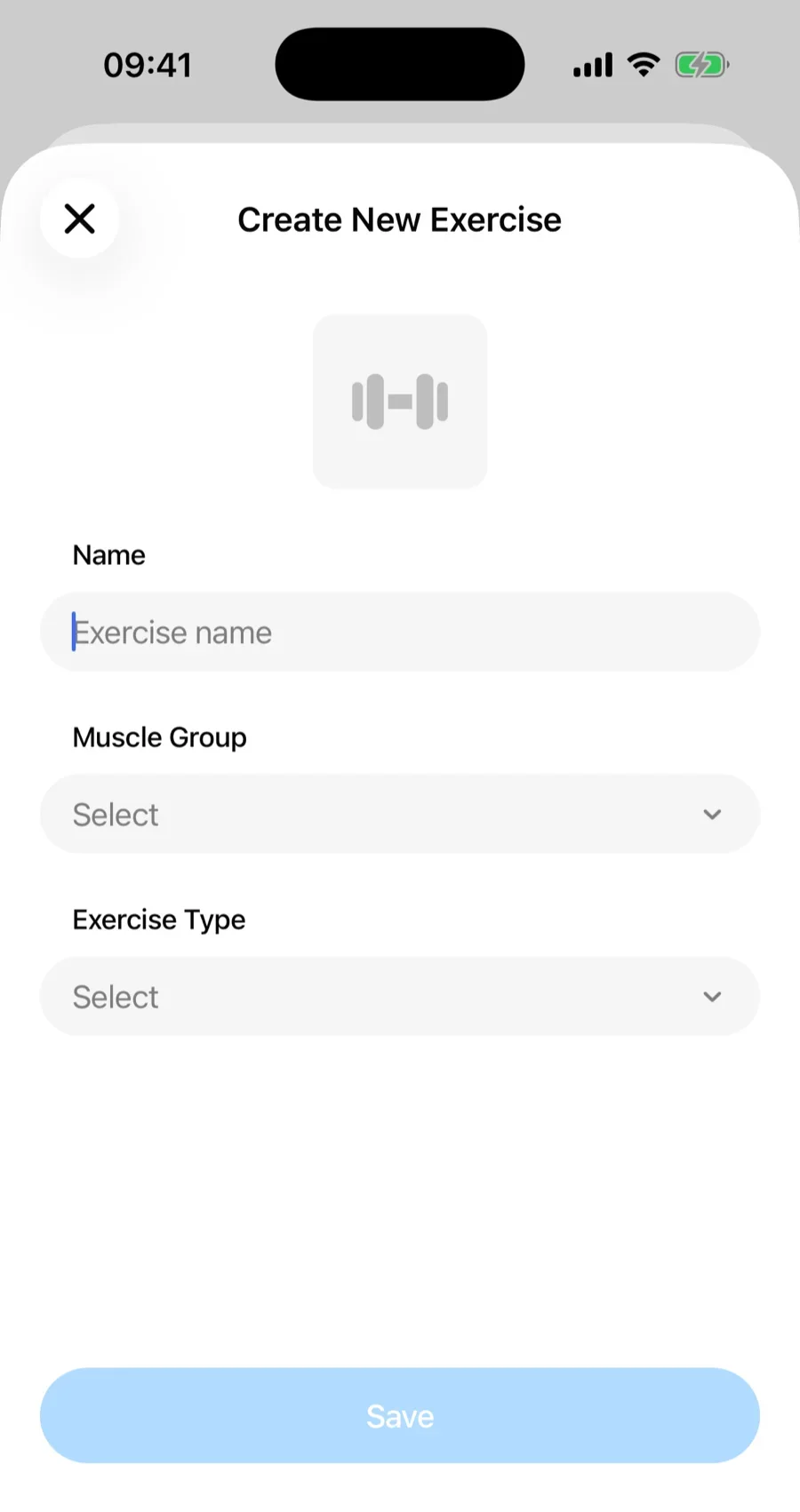
- Open the Exercises tab and tap Create New Exercise (also available from the exercise picker during a workout).
- Enter a name.
- Pick a muscle group.
- Pick an exercise type — this decides whether you log weight × reps, reps only, or time.
- For a Cardio exercise, turn on Track Distance if you want to log distance alongside time — treadmill, running, cycling, and similar movements.
- Optionally add a photo.
- Save. If you started from the exercise picker mid-workout, the new exercise is already selected and scrolled into view — just confirm to add it.
Edit or delete#
Open the exercise and choose Edit to change its details — including Track Distance on a cardio exercise — or Delete to remove it. Workouts you already logged with it remain in your history.