


Every exercise in Gript has a type. The type determines what you log for each set — weight and reps, just reps, time, or distance and time — and how volume is calculated.
The eight types#
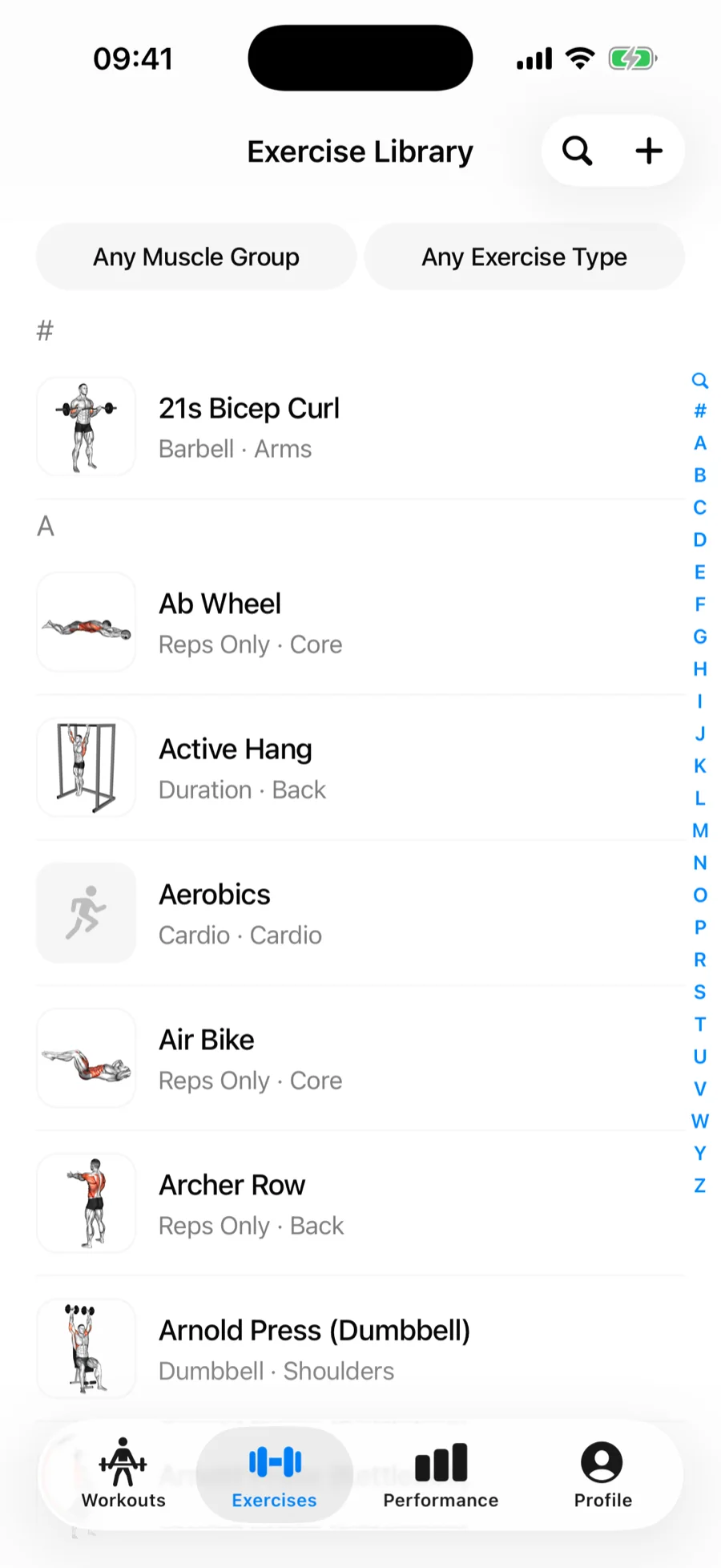
- Barbell — logs weight × reps. Barbell exercises also get the plate calculator.
- Dumbbell — logs weight × reps, where weight is per dumbbell.
- Machine / Other — logs weight × reps for machines, cables, and anything else with a weight stack.
- Weighted Bodyweight — bodyweight movements with added load, like weighted pull-ups. You log the added weight and reps.
- Assisted Bodyweight — bodyweight movements with assistance, like band-assisted pull-ups or an assist machine. You log the assistance weight and reps.
- Reps Only — no weight field at all, just reps. Push-ups, sit-ups, air squats.
- Cardio — logs time, plus distance in km or mi when Track Distance is turned on for the exercise. Distance also unlocks Longest Distance and Best Pace records.
- Duration — logs time only. Planks, dead hangs, carries. These sets get the built-in set timer.
Distance on cardio exercises#
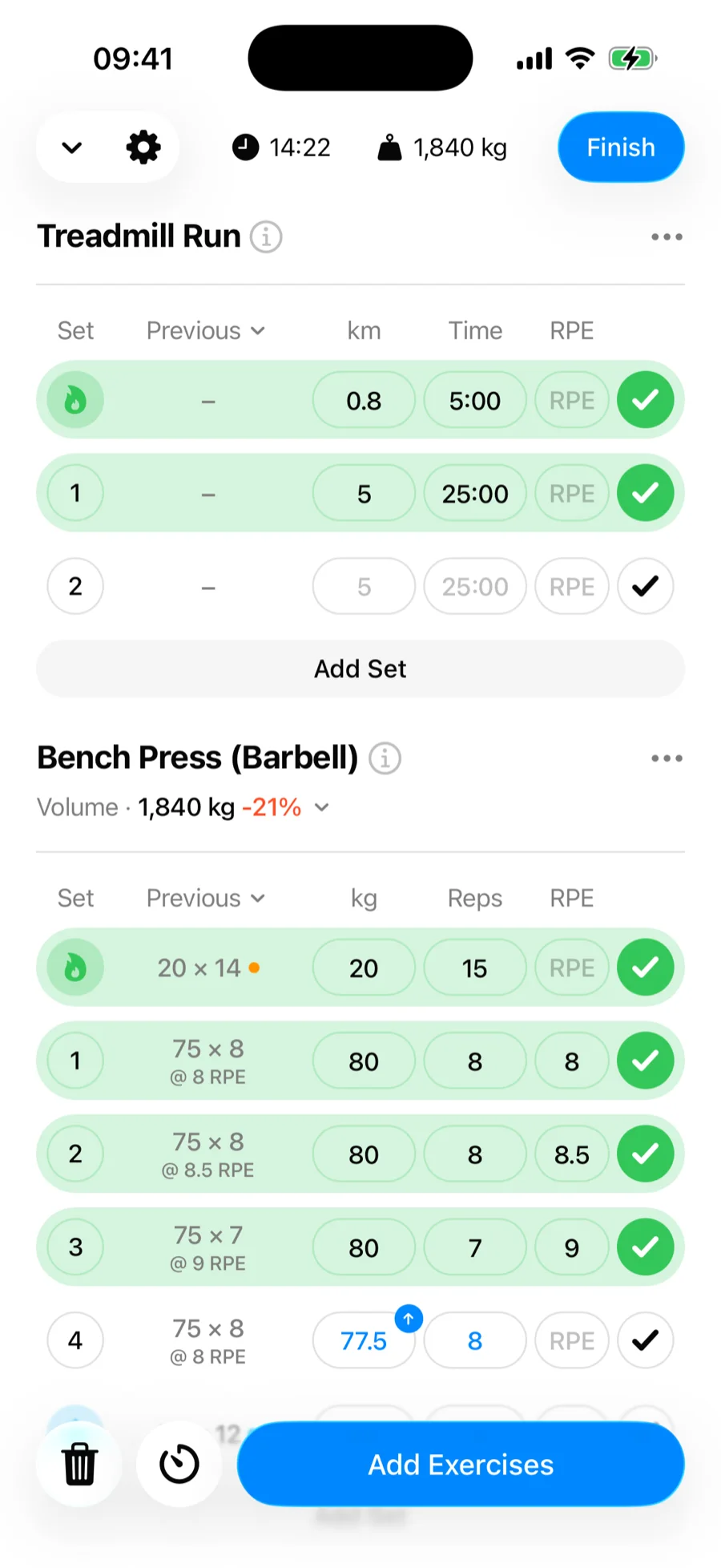
Cardio exercises can log distance next to time. Turn on Track Distance when you create or edit the exercise — treadmill, running, cycling, rowing — and every set in the workout logger gets a distance field and a time field instead of time alone.
Distance follows your Distance unit, kilometers or miles, and converts automatically if you switch. Alongside your usual time records you get Longest Distance and Best Pace, your fastest time per kilometer or mile in a single set. Logged distance shows up in your workout history, in workouts you copy or share, and in CSV exports.
Why the type matters#
Charts and records are computed from what the type logs — a Duration exercise gets Max Duration and Total Duration charts, a Barbell exercise gets Max Weight and Estimated 1RM. Pick the closest type when creating custom exercises, and see bodyweight exercises for how the three bodyweight variants differ.