


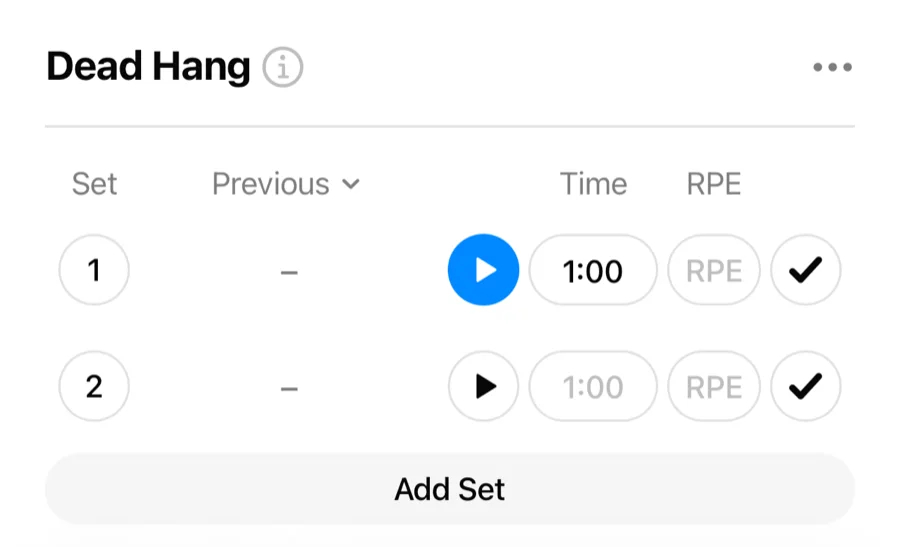
Exercises with the Duration or Cardio type (planks, dead hangs, rowing, and so on) log time instead of reps. Distance-and-time cardio sets get the same stopwatch next to the time field. Gript has a built-in set timer, so you never need a separate stopwatch app.
Two modes: countdown and count-up#
- Countdown — if you enter a target time on the set, the timer counts down and the set completes itself at 0:00.
- Count-up — if you leave the time empty, the timer counts up like a stopwatch. Pause it or check the set off when you are done.
Start the timer#
- On a timed set, tap the timer button next to the time field, or start it from the workout keyboard.
- Do the work — the running time is visible in the app and, on iOS, on your lock screen. While the stopwatch is running you can still select the time field, and pause the timer from the keyboard.
- Let it hit 0:00 (countdown), or check the set off yourself (count-up). Typing a time shows minutes and seconds as you enter them, not raw digits.
Control it from the lock screen (iOS)#
With Live Activity enabled, the set timer runs on your lock screen and in the Dynamic Island, and you can start, pause, and complete it without opening the app. When the timer finishes in the background, Gript notifies you and logs the set.