


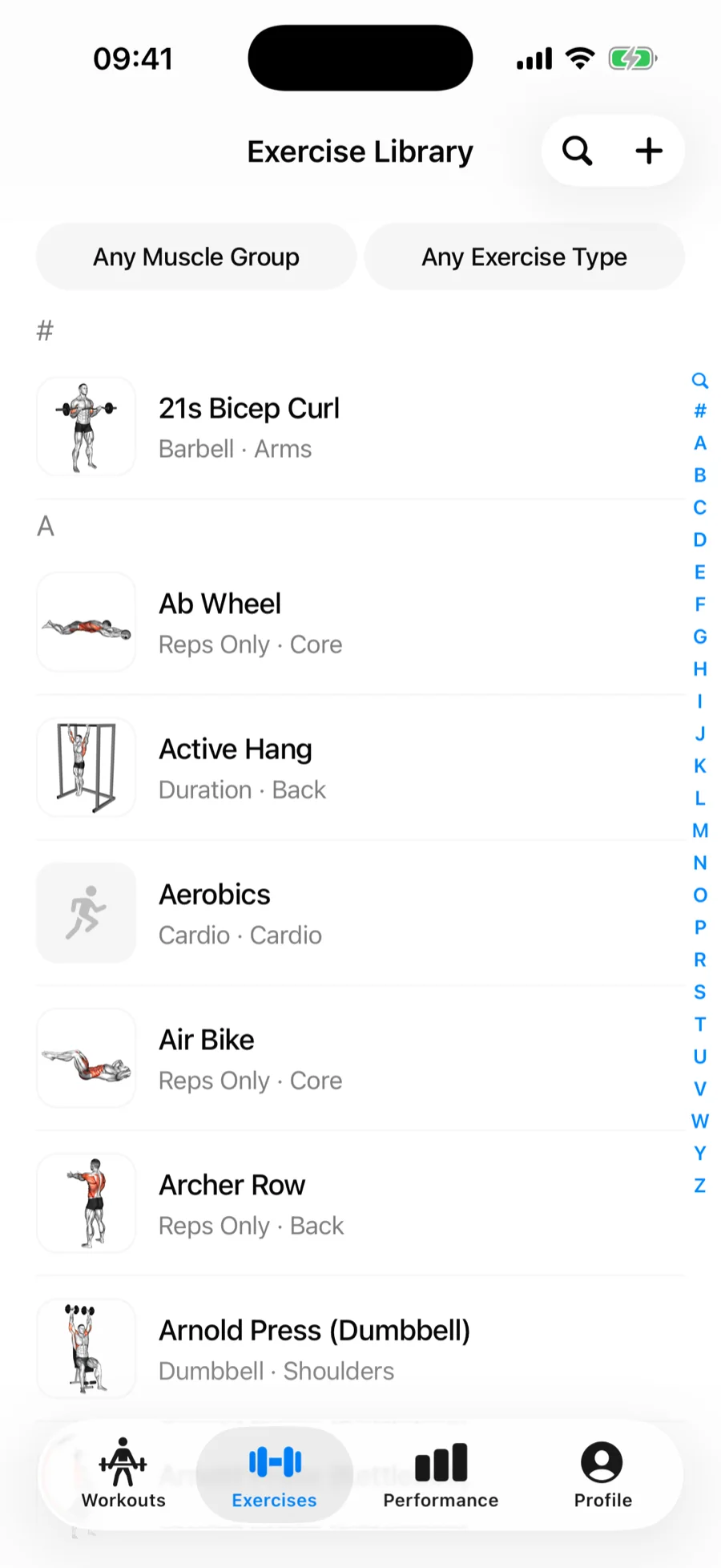
The Exercises tab holds the full Gript exercise library — every movement with instructions, demo videos, your history, and records. The same library appears whenever you add exercises to a workout or routine.
Search#
Type in the search field at the top. Matching is forgiving, so "rdl"-style shorthand and partial names usually find what you mean.
Filter#
Two filters narrow the list:
- Muscle group — Chest, Back, Shoulders, Arms, Legs, Core, Full Body, Cardio, or Other.
- Exercise type — Barbell, Dumbbell, Machine / Other, Weighted Bodyweight, Assisted Bodyweight, Reps Only, Cardio, or Duration. See what each type means.
Search and filters combine — for example, "press" + Shoulders + Dumbbell.
Favorites#
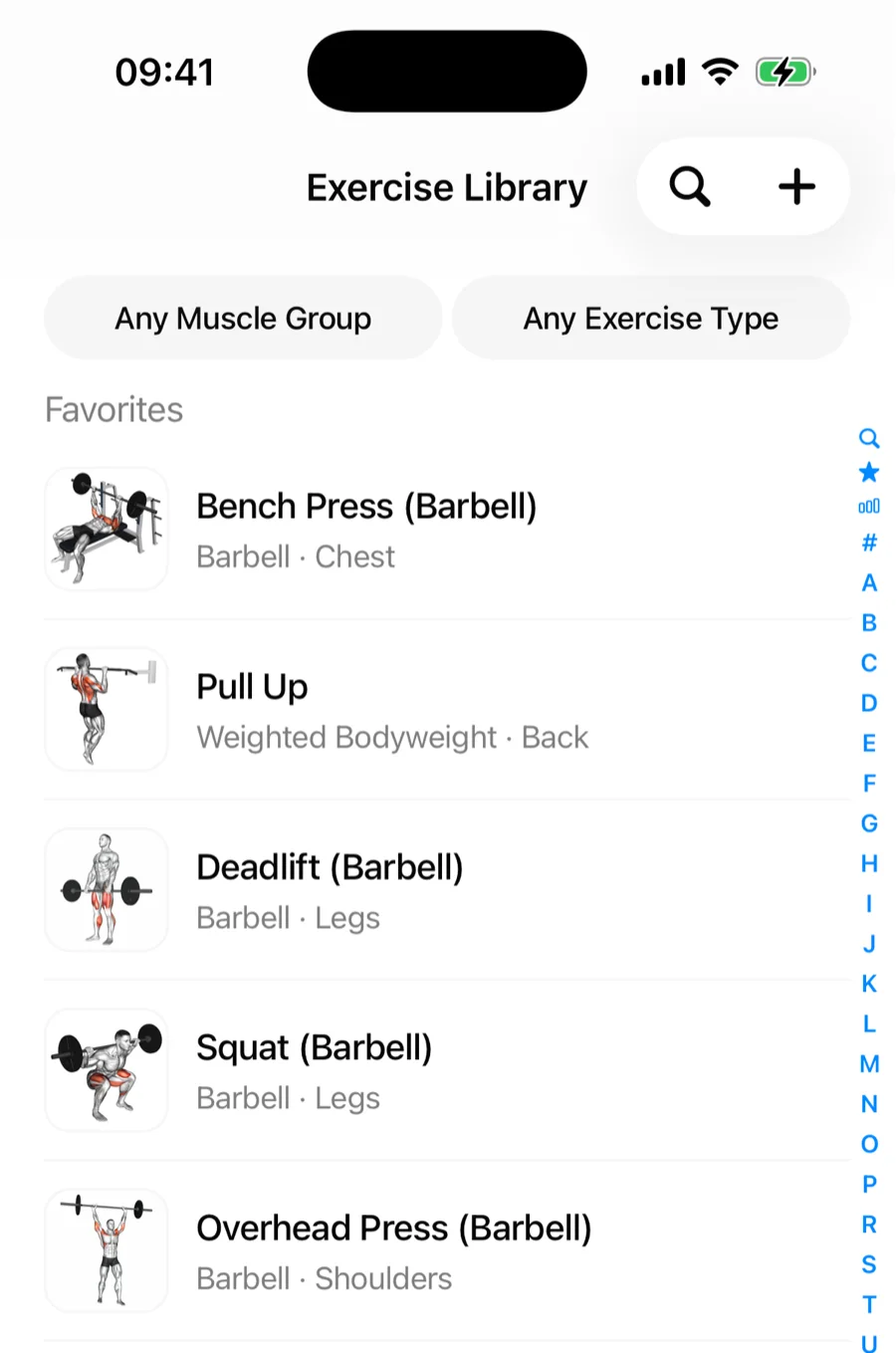
Open any exercise and tap the star in the top-right corner to add it to your favorites. Starred exercises appear in a Favorites section pinned above the alphabet, both in the Exercises tab and whenever you add exercises to a workout or routine. Tap the star again to remove one. Favorites sync across your devices and head the exercise shortlist on Apple Watch.
Frequent#
Below Favorites, a Frequent shortcut lists the exercises you actually perform most often, with recent workouts weighing more than old ones — so day-to-day picking rarely needs search at all. Exercises you have starred are not repeated here.