


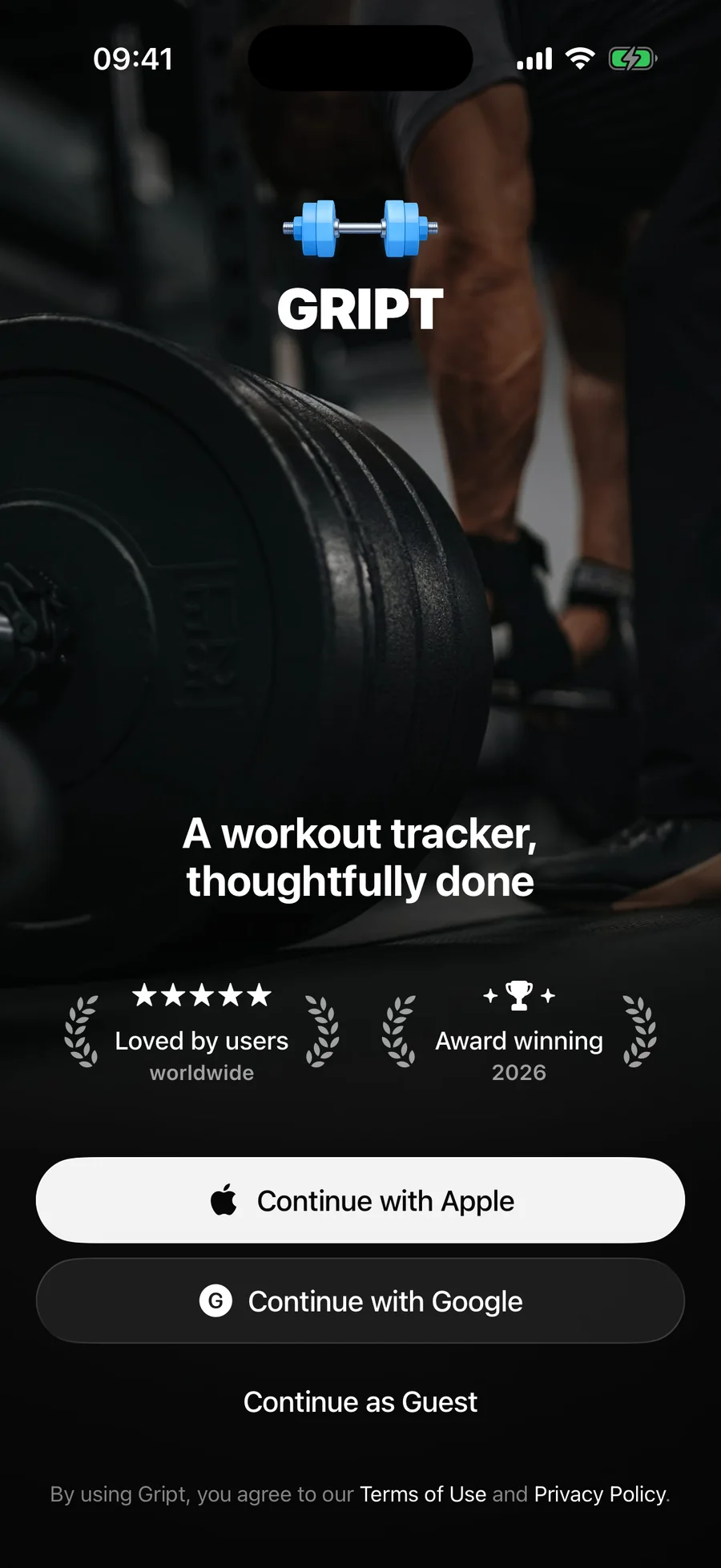
When you open Gript for the first time you can sign in three ways: Continue with Apple, Continue with Google, or Continue as Guest.
Which option should I pick?#
- Apple or Google — your workouts, routines, measurements, performance charts, and preferences are synced to the cloud and tied to your account. Sign in on a new phone and everything comes back.
- Guest — you can start training immediately without creating an account. Your data still syncs to the cloud, but it is tied to this installation, so it is harder to recover if you lose or reset your phone.
Started as a guest? Link your account anytime#
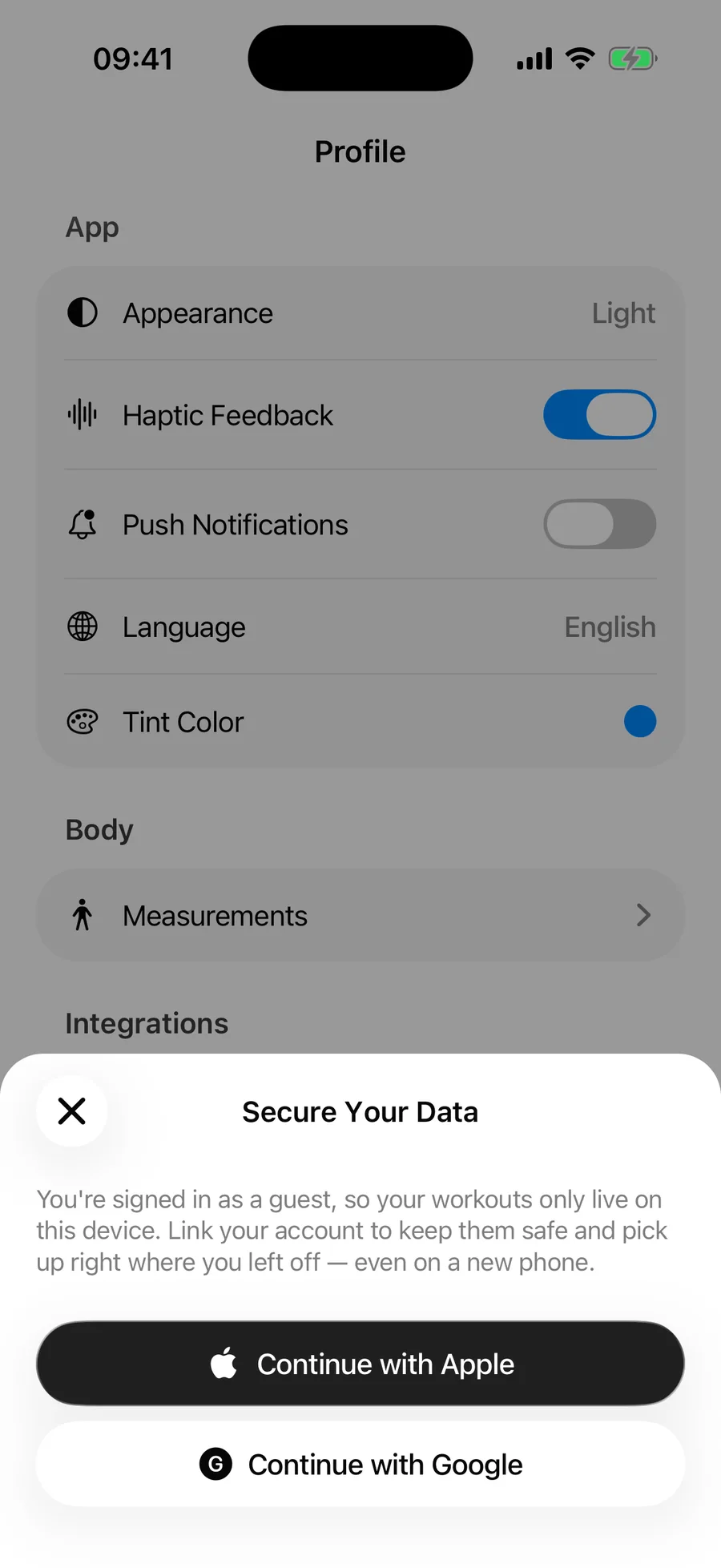
You do not need to start over to get the safety of an account. While you are signed in as a guest, Gript shows a Never Lose Your Workouts banner on the Workouts and Profile tabs. Tap it and choose Continue with Apple or Continue with Google. Everything you have logged so far stays exactly as it is — it just becomes tied to your account from that point on.
Not sure how you are signed in? The Account section at the bottom of the Profile tab shows it: an Apple or Google row with the email on the account, or Guest with a Link Account row underneath that opens the same sheet.
What syncs to the cloud#
- Completed workouts and your full training history
- Routines
- Custom exercises
- Body measurements and measurement goals
- Performance charts and their settings
- Preferences like units and effort tracking mode
Switching devices#
Install Gript on the new phone and sign in with the same Apple or Google account. Your data downloads automatically. If your PRO subscription does not carry over right away, see how to restore your purchases.