


Seat position, grip width, "left knee felt off" — the details that matter next session go in exercise notes.
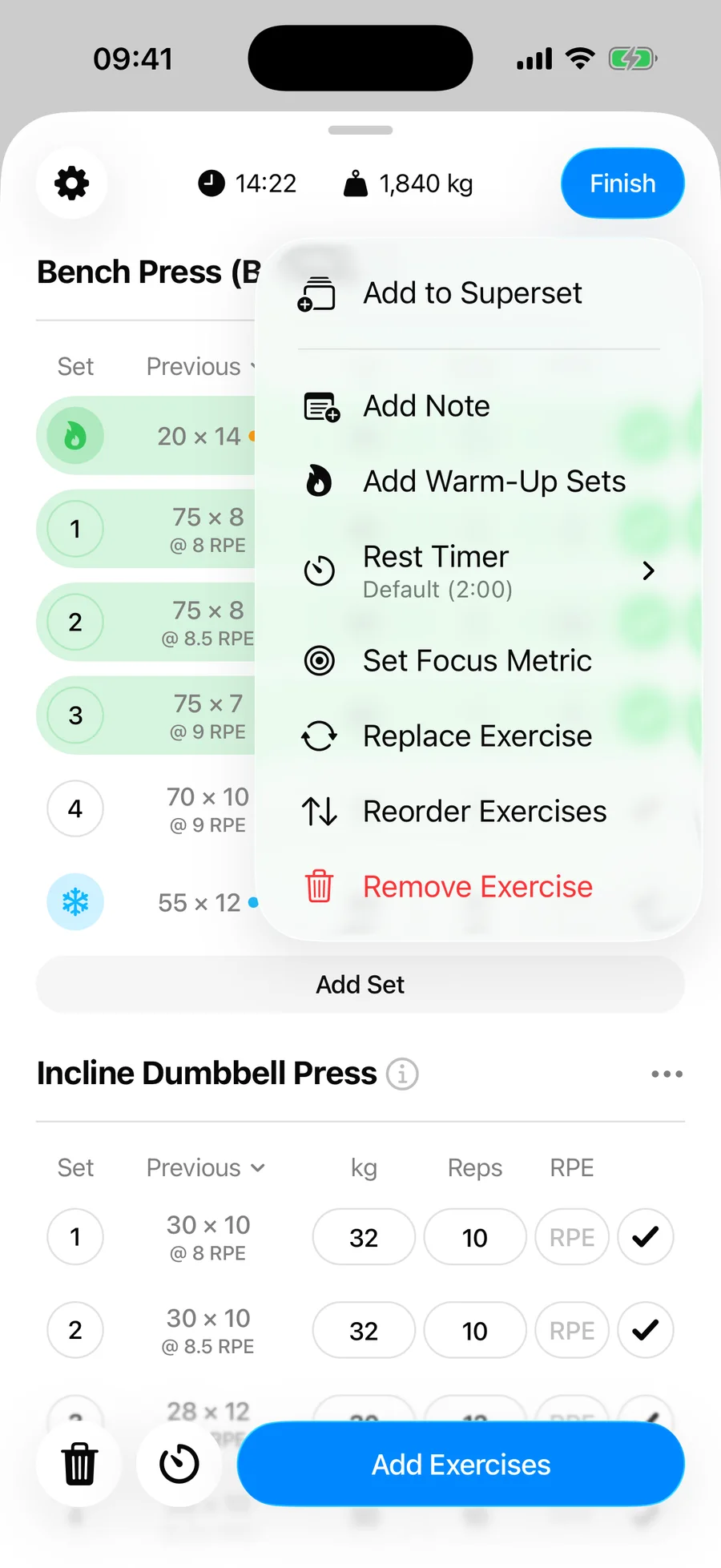
Add a note to an exercise#
- Open the menu (three-dot button) on the exercise in your workout.
- Tap Add Note.
- Type the note — it appears under the exercise name.
To remove it, use Remove Note in the same menu.
Notes in routines#
Notes added to an exercise in a routine appear every time you start that routine — the right place for setup reminders like "seat at 4" or "pause reps."