


Forgot to log a set, fat-fingered a weight, or want a better workout name? Any completed workout in your history can be edited.
Edit a past workout#
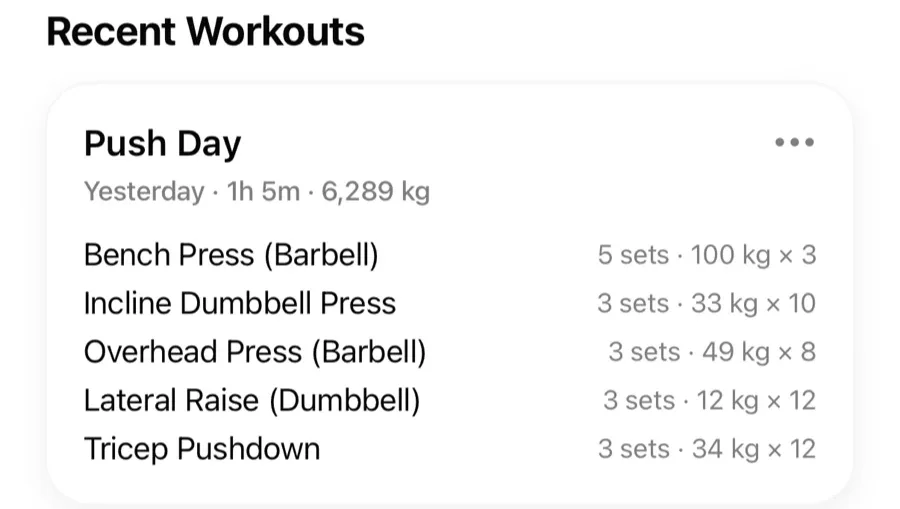
- Open the Workouts tab and find the workout under Recent Workouts.
- Open it and make your changes — sets, weights, reps, exercises, notes, or the workout name.
- Save. Your charts and records update automatically.
Other things you can do with a past workout#
- Repeat Workout — start a new workout with the same exercises and sets.
- Save as Routine — turn a good session into a reusable routine.
- Share — send the workout as a link.
- Delete — permanently remove the workout from your history.
Records and charts always reflect your current history, so fixing an old typo also fixes any personal record it created. If a set is real but should not count as a record — a miscounted rep, a spotter-assisted lift — open the set type menu while editing and turn off Counts toward records. The set stays in your workout and charts; it just stops counting toward personal records.