


There are two ways to show off a workout: share it as a link anyone can open in a browser, or post a summary card to Instagram Stories.
Share a workout as a link#
- Open the workout from your history on the Workouts tab.
- Tap Share Link.
- Send the link anywhere — messages, group chats, forums.
The link opens a web page (no app required) showing the exercises, sets, and stats. If the recipient has Gript, they can tap Try This Workout to start the same workout themselves.
Share a summary card after finishing#
On the workout completion screen you get swipeable share card designs. The first card lists every exercise and labels the best working set, with a PR tag on any set that broke a personal record; on a long workout it grows up to a 4:5 frame instead of dropping exercises. If you set new records, a records card follows with each new PR and how much it improved by. Then comes a stats card with your duration, sets, and volume (bodyweight-only workouts skip the volume), and a photo card if you attached a progress photo. Tap the workout name on a card to rename the workout before you share it.
Pick a card and tap Instagram to post it straight to Instagram Stories, Share image to send the card through the system share sheet, Share link for the web page, which lists the records too, or Copy text for a plain-text summary you can paste anywhere. When the workout set records, a PRs button sits next to these and opens the finished workout with every record-setting set tagged.
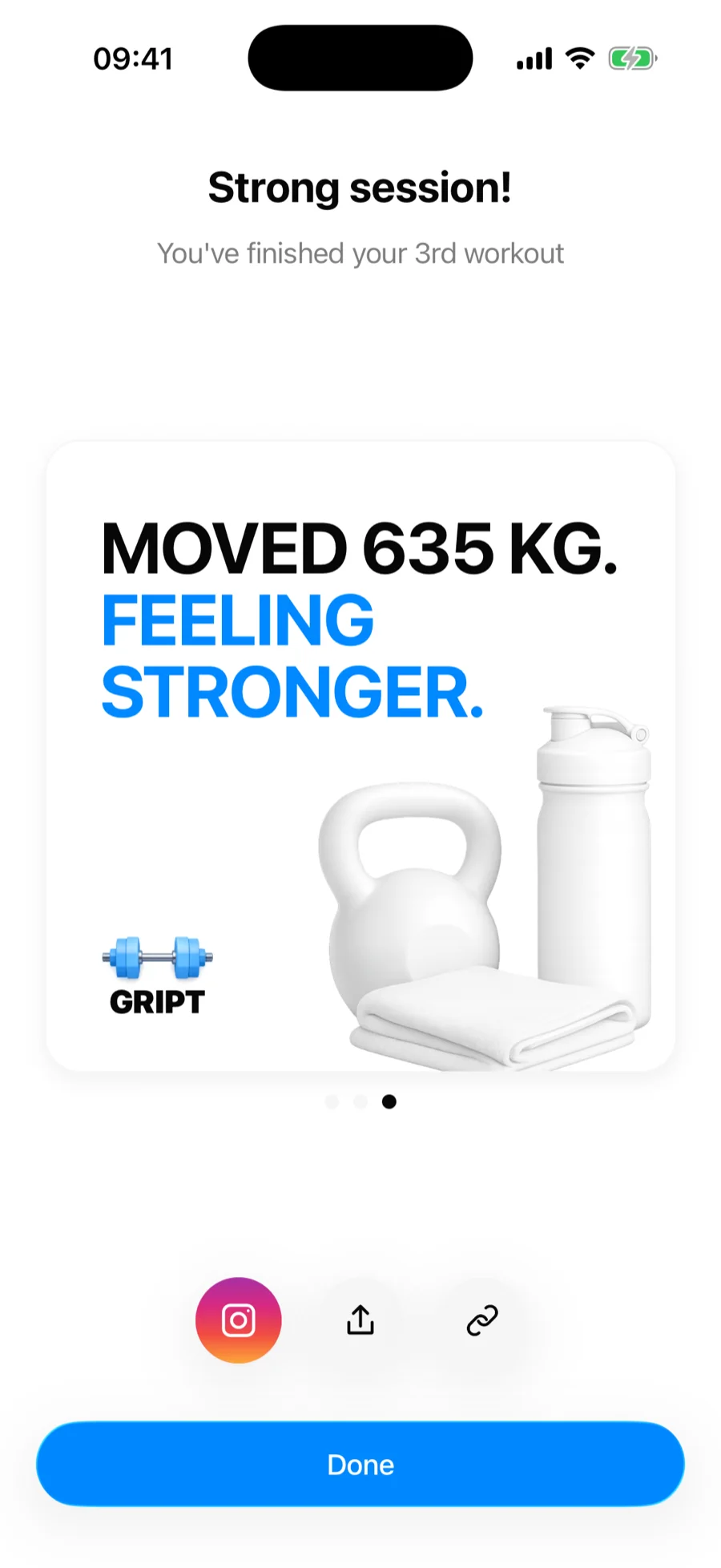
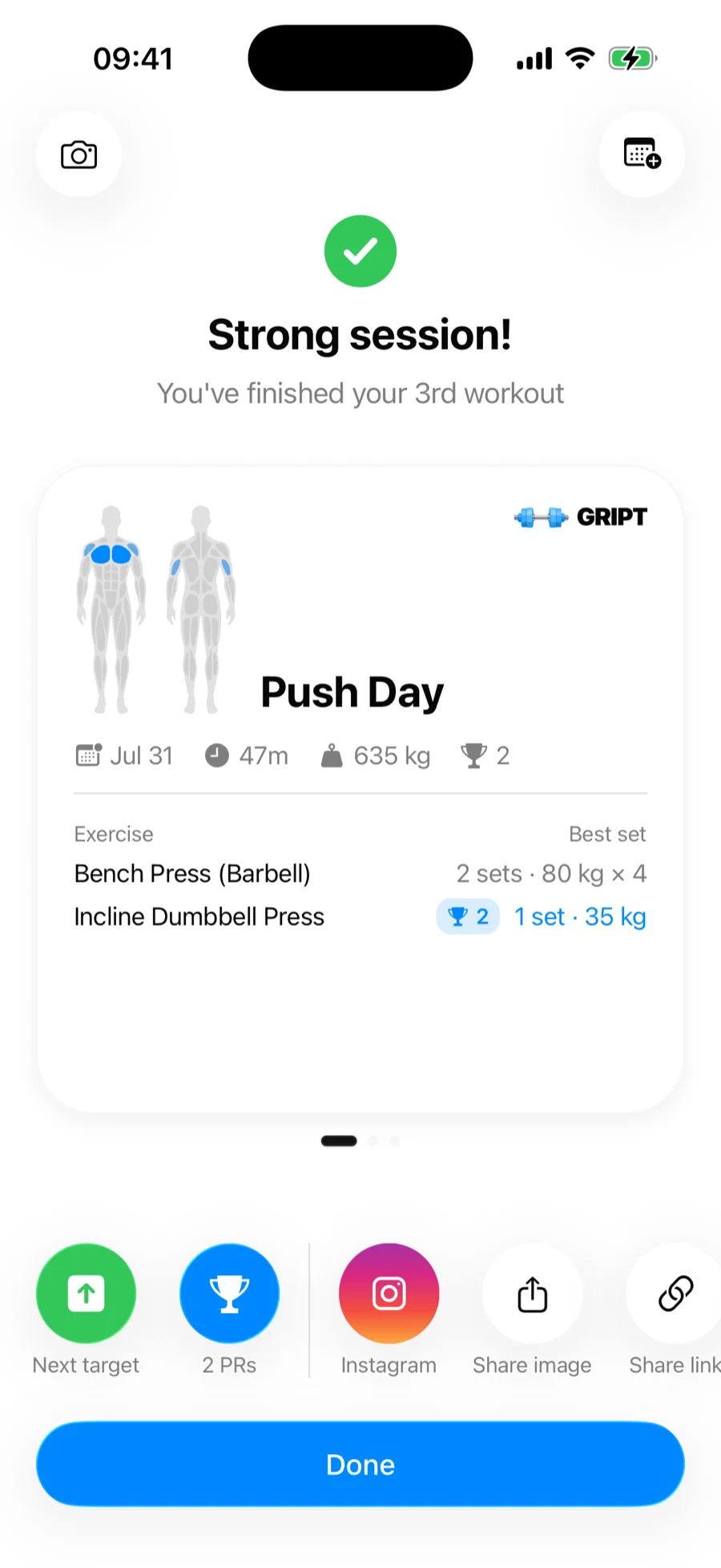
The camera button at the top of the screen attaches a progress photo to the workout, and the calendar button schedules a reminder for your next session — pick a day and Gript sends a notification at 8 in the morning. Only one training reminder exists at a time, so if you already have one the picker opens on that day and lets you move it.
Sharing charts#
Progress over time shares just as well as a single session: any chart on the Performance tab, in an exercise's detail view, or on a body measurement has a Share entry in its ••• menu that renders it as a light or dark card for Instagram Stories or the share sheet. See how to share a chart.
Sharing routines#
Want to share a plan rather than a finished session? See how to share a routine — recipients can save it into their own routine list.