


Any routine can be shared as a link. The recipient does not need Gript to view it — the link opens a web page with the full plan.
Share a routine#
- Open the routine from the Workouts tab.
- Tap Share Link.
- Send the link to whoever wants your plan.
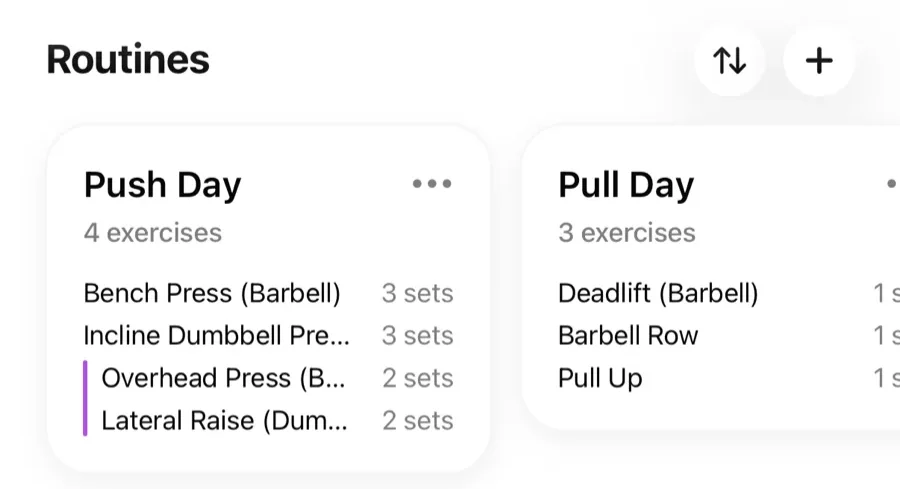
What the recipient sees#
The link shows the routine's exercises, set schemes, and supersets in the browser. If they have Gript installed, they can:
- Save Routine — add it to their own routine list.
- Start Routine — jump straight into the workout.
The saved copy is theirs — later changes you make to your routine do not affect people who already saved it.
Sharing a finished workout instead#
To share what you actually did (with real weights and reps) rather than a plan, see how to share a workout.