


Machine taken, or a movement not feeling right today? You can swap any exercise for another one mid-workout.
Replace an exercise#
- Open the menu (three-dot button) on the exercise.
- Tap Replace Exercise.
- Pick the replacement from the library.
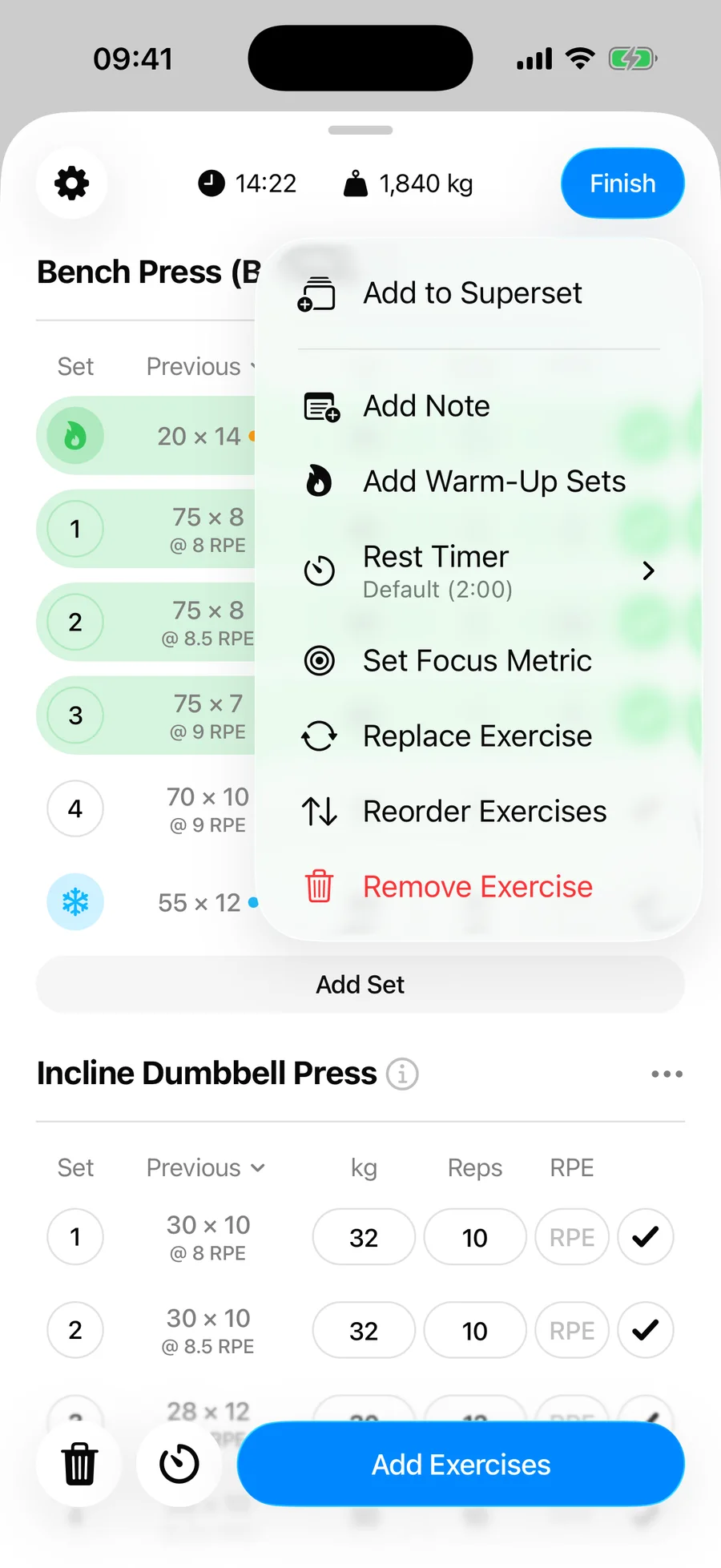
The picker is the full library — search and filters included. The new exercise takes the old one's place in your workout, keeping the same position and set structure. The Previous column updates to show your history for the new exercise.
Keep the change for next time?#
If the workout was started from a routine, Gript asks at the finish whether to update the routine with your replacement — handy when the swap is permanent.