


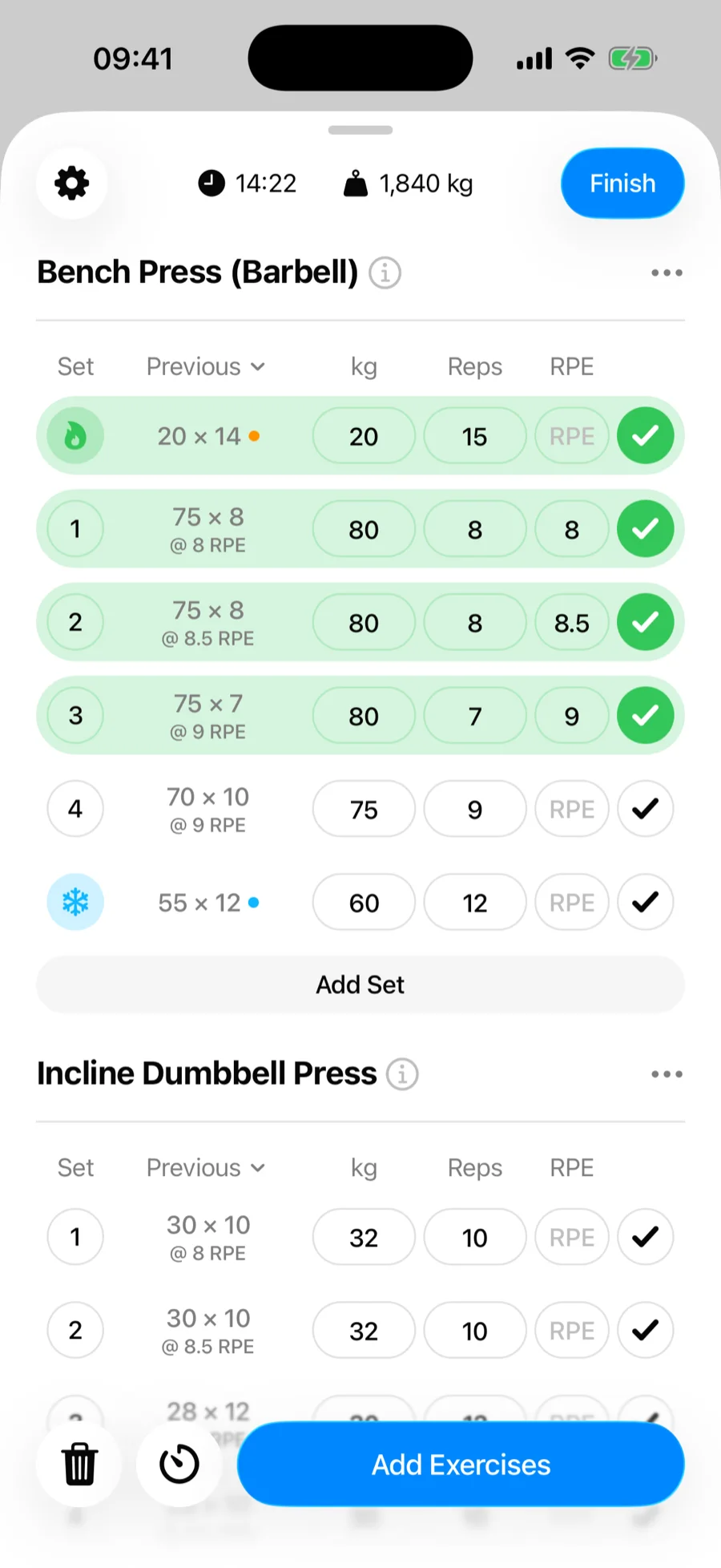
There are two ways to change the order of exercises in a Gript workout: drag them directly, or use the dedicated reorder screen. Both work in routines too.
Way 1: hold and drag#
- Press and hold an exercise's name in your workout.
- Drag it up or down to its new position and let go.
This is the fastest option for moving one exercise a short distance.
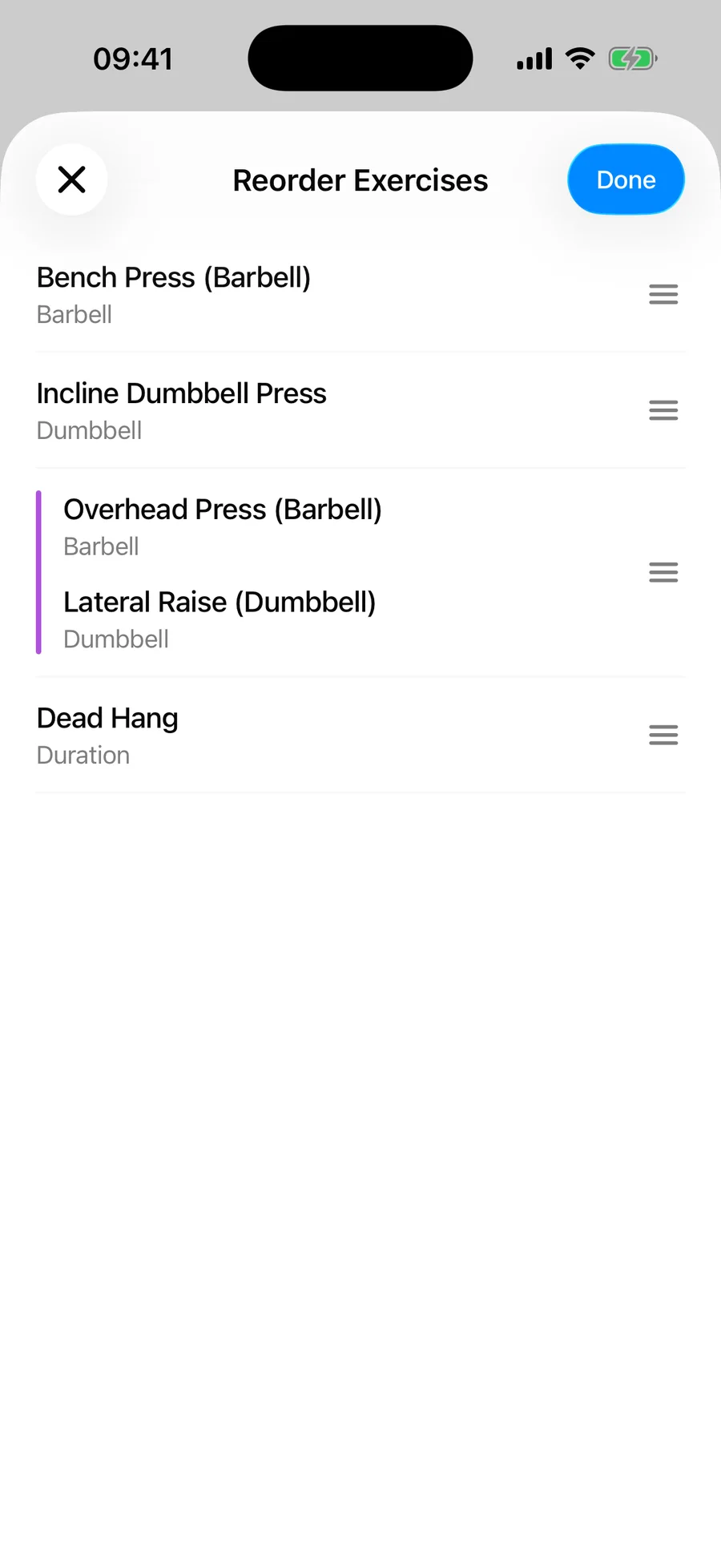
Way 2: the Reorder Exercises screen#
- Open the menu (three-dot button) on any exercise.
- Tap Reorder Exercises.
- Drag exercises into place on the compact list, then confirm.
The reorder screen shows your whole workout as a compact list, which makes it much easier to restructure a long session with many exercises.
Supersets#
Exercises grouped in a superset move together as a block when you reorder around them.