


Your data is yours. Gript exports your complete body measurement history — every weigh-in, body fat reading, and tape measurement — as a single CSV file you can open anywhere.
Export your measurements#
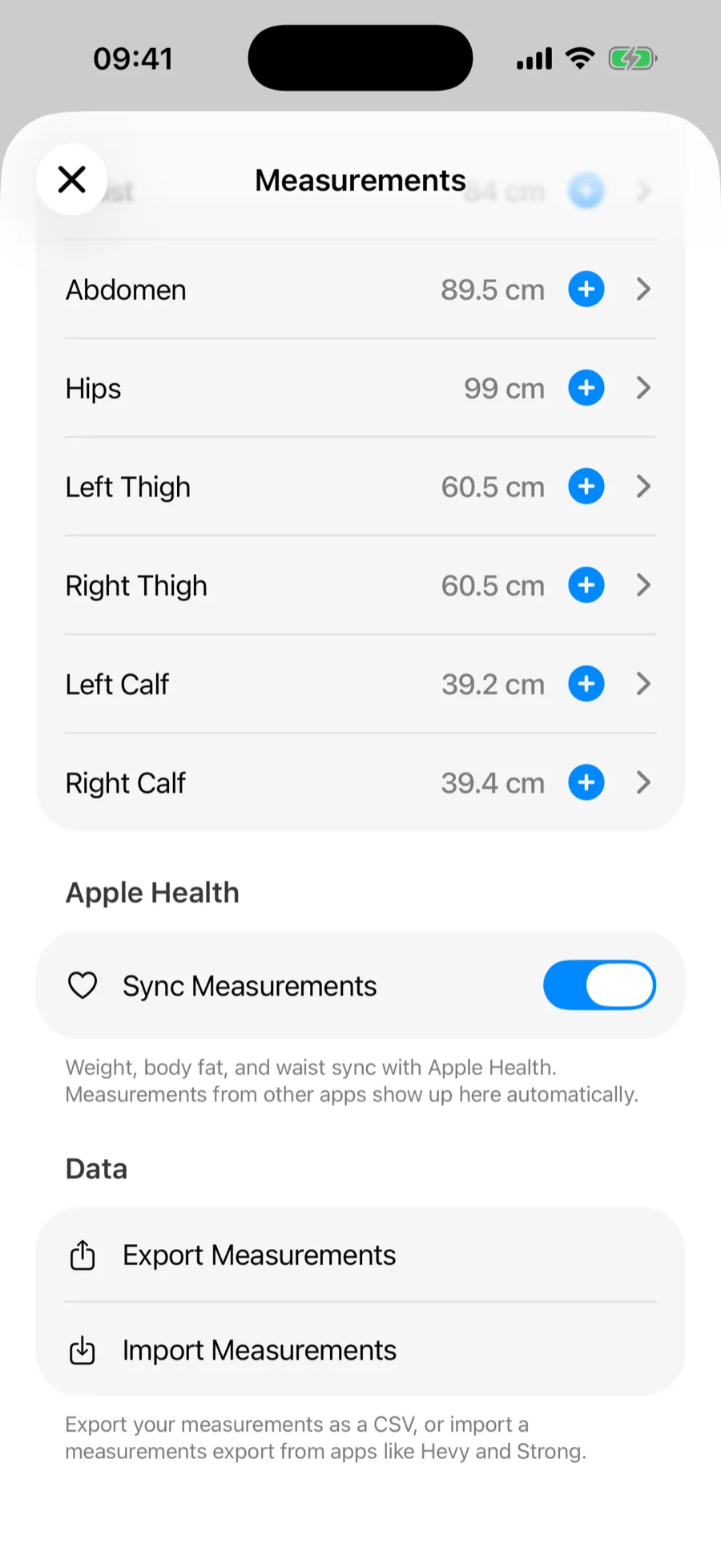
- Go to Profile → Measurements.
- Scroll to the Data section and tap Export Measurements.
- Use the share sheet to save the file to Files, cloud storage, or email.
What the file contains#
- One row per measurement date, with a column for each measurement type.
- Metric units throughout — kilograms, centimeters, and percent — with the unit named in each column header, like weight_kg and fat_percent.
- Everything in your history, including measurements synced from Apple Health.
Exporting measurements is free, as is exporting your workout history. If you are deleting your account, export both first.