


Gript has full light and dark themes, a customizable accent color, and a haptic feedback toggle — all in the Profile tab.
Light or dark mode#
- Open the Profile tab.
- Tap Appearance and choose Light, Dark, or System.
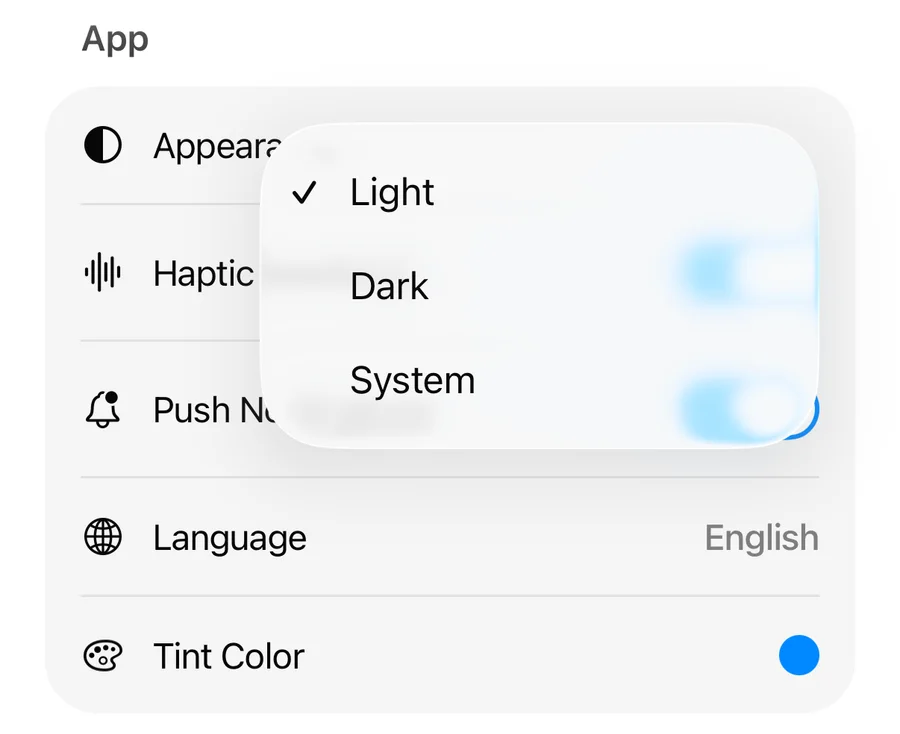
System follows your iPhone's appearance, switching automatically with your device's light/dark schedule.
Tint color#
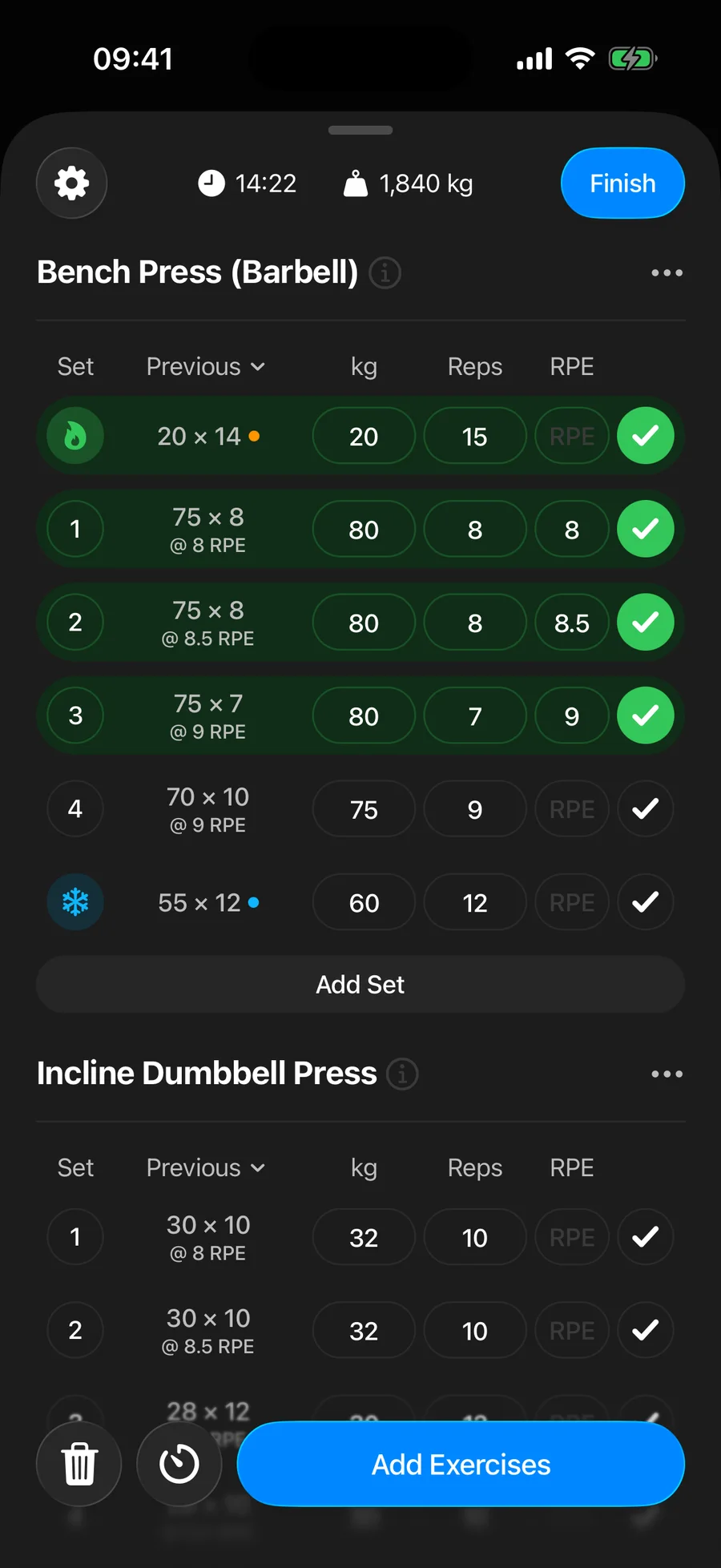
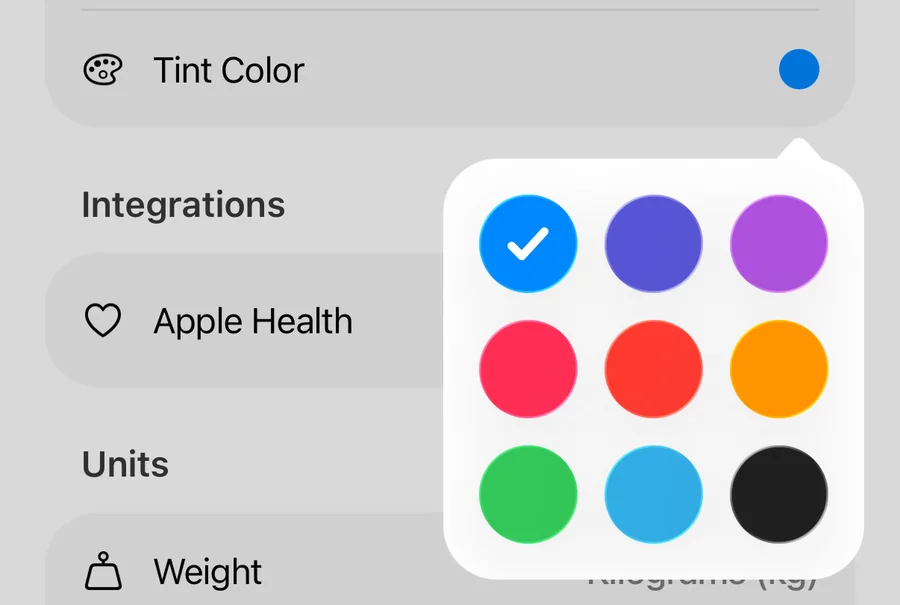
Tap Tint Color in Profile to change the app's accent color — buttons, highlights, and chart accents all follow it. Choose from blue, indigo, purple, pink, red, orange, green, cyan, or monochrome.
Haptic feedback#
The subtle vibrations when you complete sets and tap controls can be turned off with the Haptic Feedback toggle in Profile.