


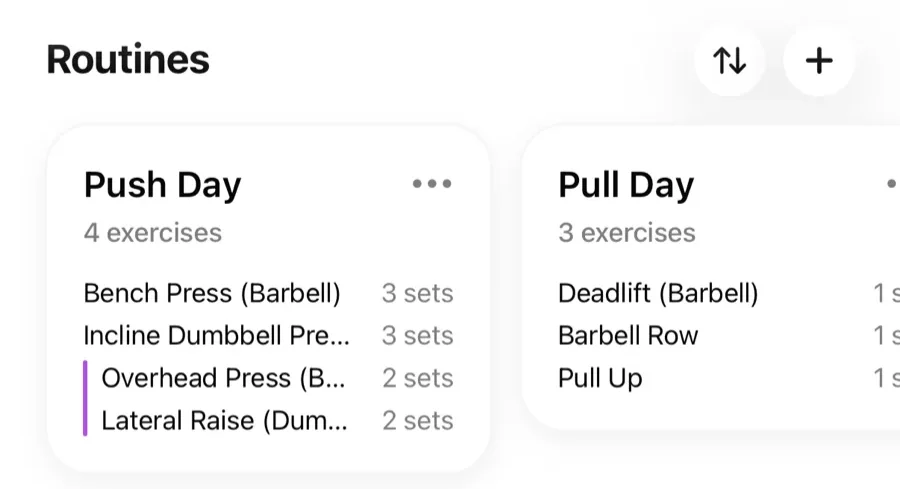
Everything you can do to a routine lives in its menu on the Workouts tab. Open the menu on a routine card to see the options.
Edit#
Opens the routine editor where you can add or remove exercises, change sets, targets, and rep ranges, reorder exercises, and edit the description.
Rename#
Changes just the routine's name.
Duplicate#
Creates a copy of the routine (named "… (Copy)"). Useful for building the next training block from the current one, or an easier variant of the same day.
Delete#
Permanently deletes the routine. Your completed workouts are untouched — deleting a routine never removes anything from your history.
Reorder your routine list#
Choose Reorder Routines to drag your routines into the order you like on the Workouts tab — for example, matching your weekly split.