


Supersets in Gript can hold any number of exercises. Here is how to grow one into a tri-set or giant set, and how to pull an exercise back out.
Add an exercise to an existing superset#
- Open the menu (three-dot button) on any exercise already in the superset.
- Tap Add Exercise to Superset.
- Pick the exercise from the library.
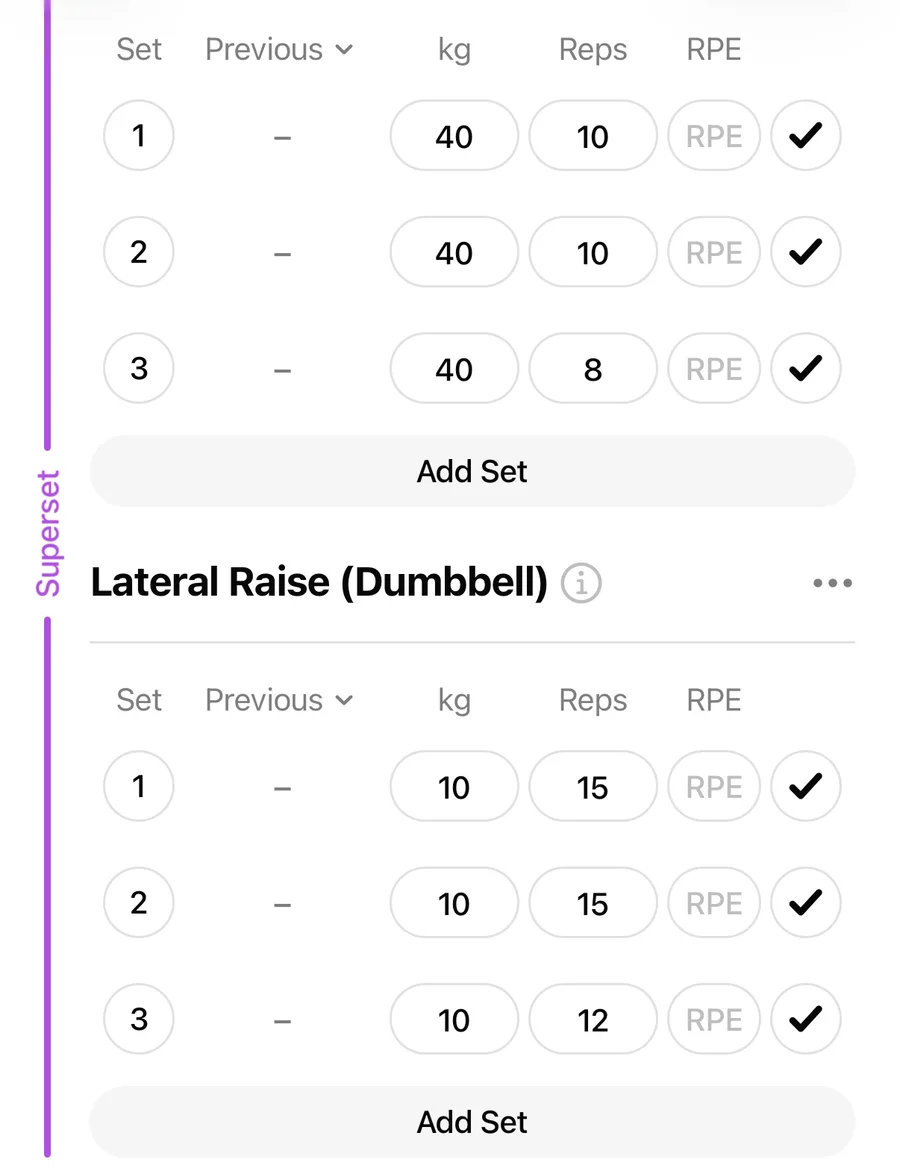
The new exercise joins the group and shares the superset's colored marker.
Remove an exercise from a superset#
- Open the menu on the exercise you want to pull out.
- Tap Remove from Superset.
The exercise stays in your workout with all its sets — it just becomes a standalone exercise again. If only one exercise remains in the superset, the superset is dissolved.
Removing an exercise entirely#
Remove from Superset keeps the exercise in your workout. If you want it gone completely, use Remove Exercise in the same menu instead. To swap it for a different movement, see how to replace an exercise.