


Found a bug, missing a feature, or just want to tell us something? Feedback goes straight to the people building Gript, and every message gets read.
Send feedback#
- Open the Profile tab and tap Send Feedback.
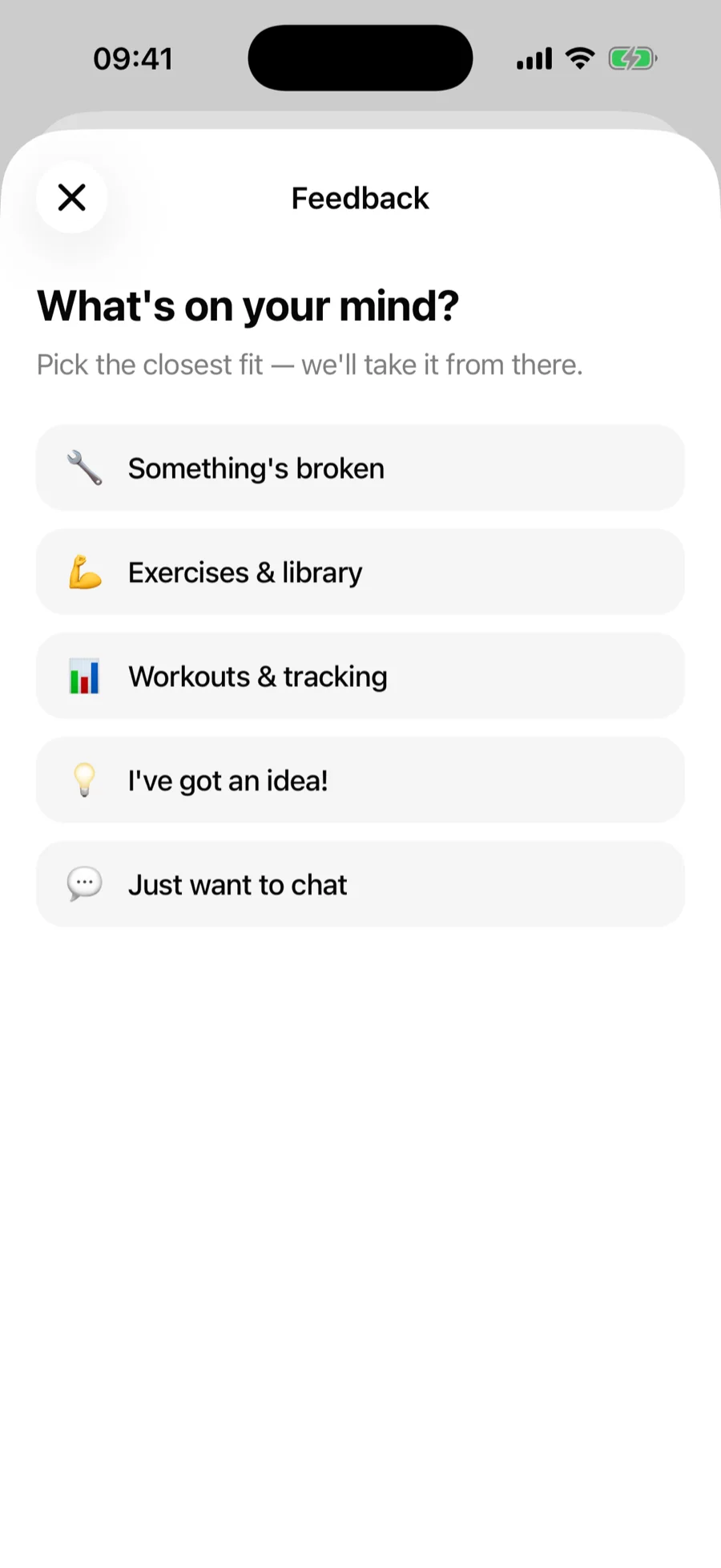
- Pick the closest category: something's broken, exercises & library, workouts & tracking, an idea, or just want to chat.
- Describe it — for bugs, steps to reproduce help enormously.
- Tap Send it. You get a reference code; mention it if you follow up.
When we reply#
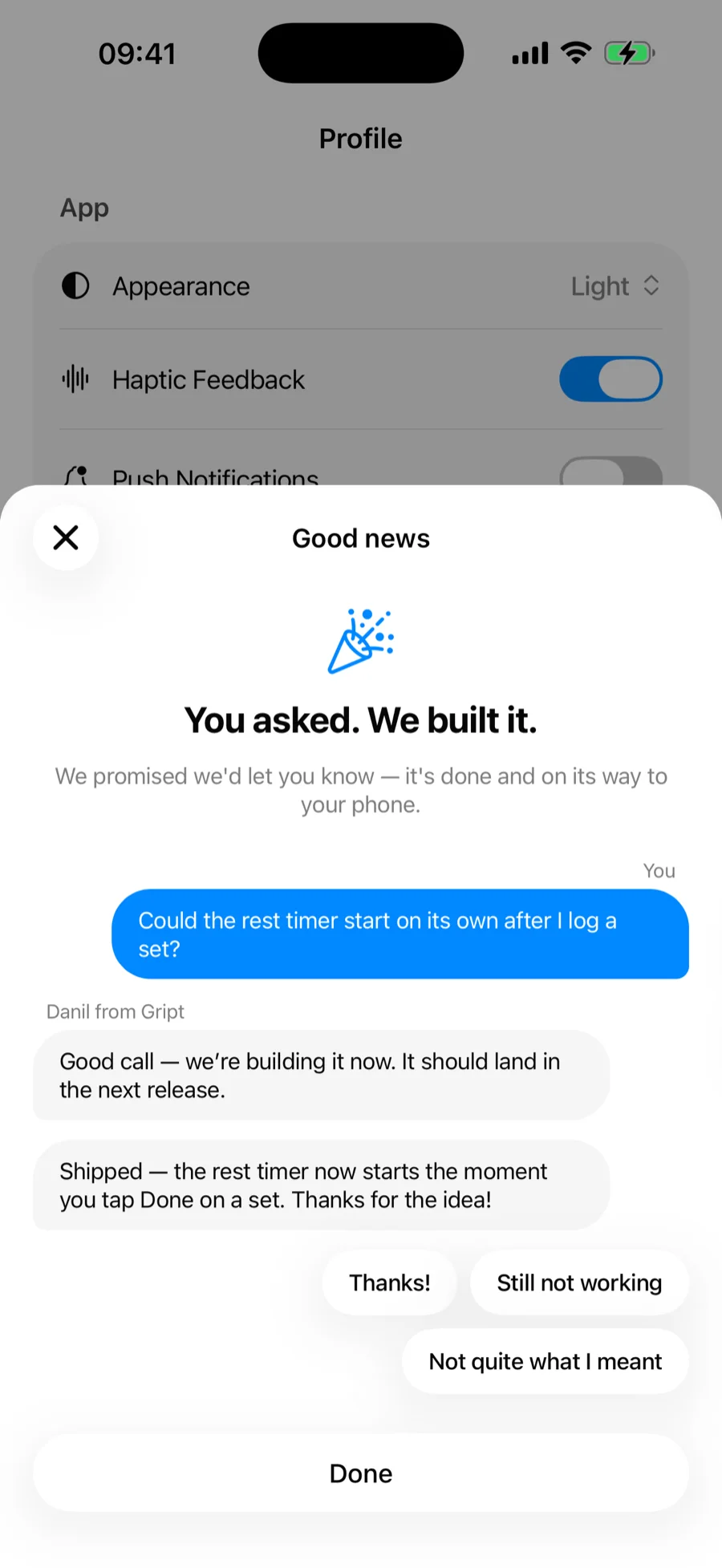
Replies land in the app, not in your inbox. The next time you open Gript after we answer, a sheet shows your original message and the reply as a conversation, signed by the person who wrote it.
- Answer in one tap — Thanks, Still not working, or Not quite what I meant — then add a note if you want to say more.
- If we follow up, the reply is added to the same thread, so the whole exchange stays in one place.
- Tap Done to close it; it only comes back when there is something new from us.
Special cases with their own flows#
- Missing exercise → report it from the library search.
- Wrong exercise data (video, muscles, instructions) → the Report action on the exercise itself.
- Billing issues → see subscriptions and restoring purchases first; refunds are handled by Apple or Google, depending on where you bought PRO.