
Track your lifts from your wrist
The phone stays in your bag. The log still happens.


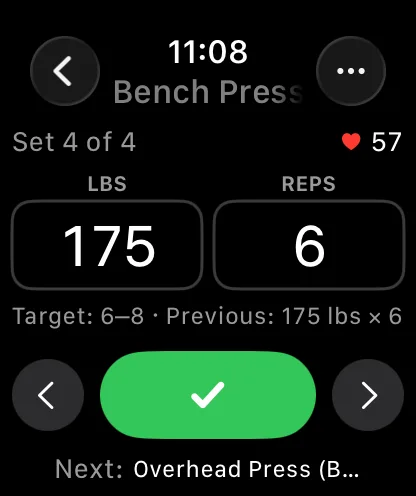
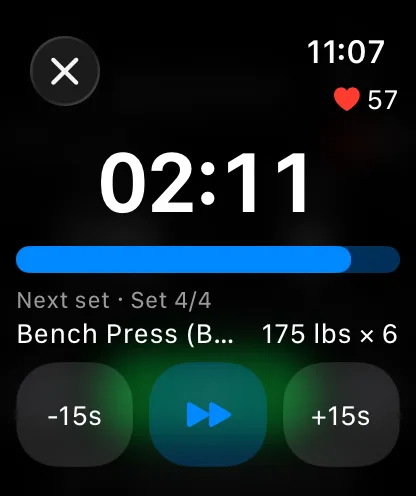
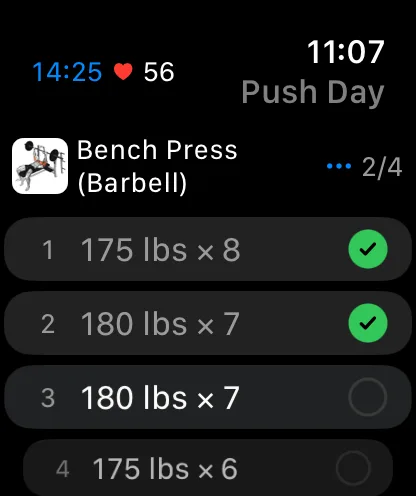
Phones in the gym are a mixed blessing: great for logging, terrible for focus. A watch on your wrist logs the set and gets out of the way — no pocket, no bench real estate, no Instagram detour between sets.
Gript’s Apple Watch app is a real logging companion: complete sets, adjust weight and reps, and move through your workout entirely from the wrist while the phone syncs silently.
Rest you can feel
The rest timer taps your wrist when it is time for the next set — a physical signal no lock screen can match. Timers respect your per-exercise rest settings from the phone, so squats get their five minutes and curls get their ninety seconds.
Works without the phone nearby
Left the phone in the locker? The watch keeps logging offline and syncs everything back when reconnected. Sessions never split or duplicate — one workout, whichever devices touched it.
The full log lives on the phone
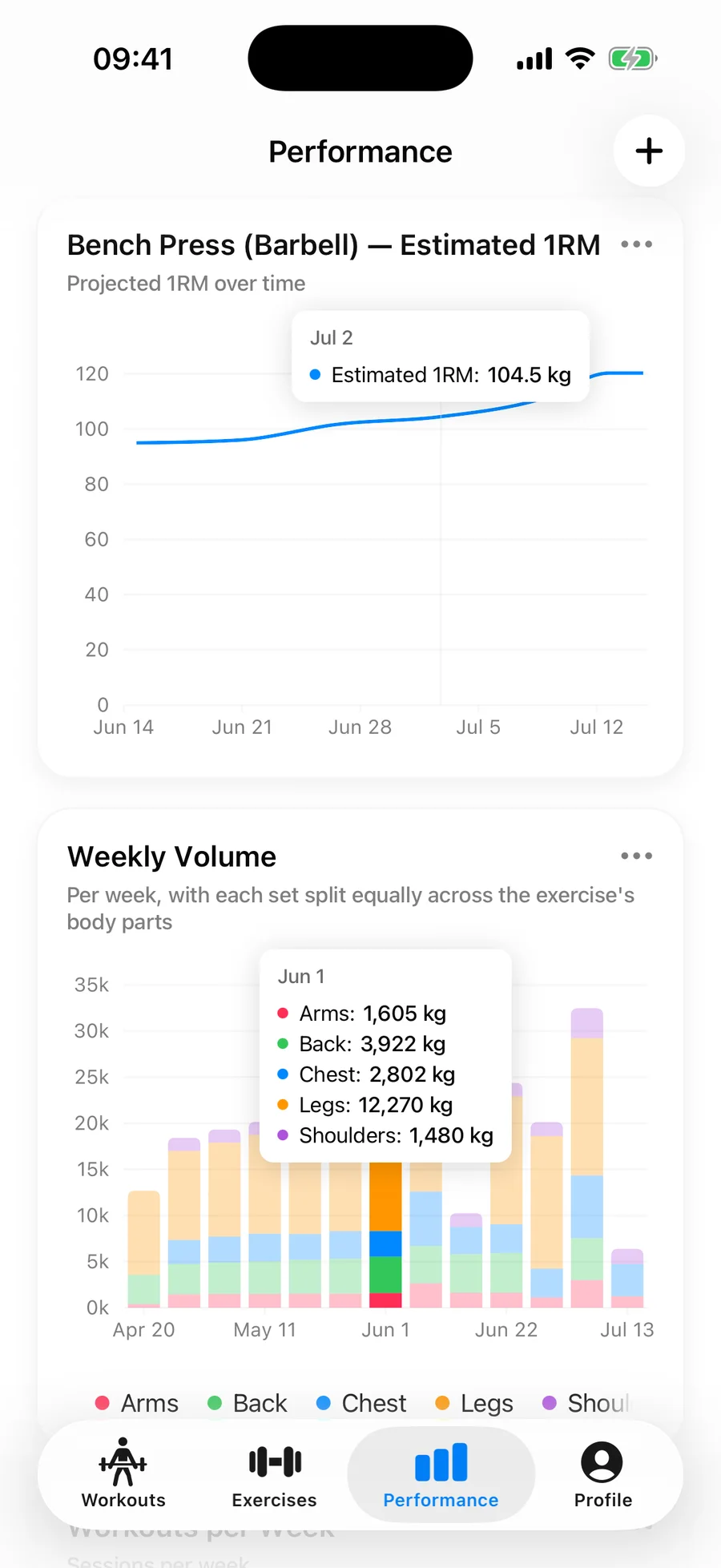
The watch captures; the iPhone explains. Every set logged from the wrist feeds the same charts, records, and muscle balance as phone-logged training. If something misbehaves, the troubleshooting guide covers the fixes.
Lifters seem to like it
This app has so far the best interface and experience, everything is so clean and easy to navigate. I like it after trying many other apps.
The charts in this app are insane good!
I feel that every single time I open the app there is a new feature. Thanks for making it better every day.
Real reviews from the App Store.
Common questions
Can I log a full workout from just the Apple Watch?
Yes. Start the workout, complete sets, adjust weights and reps, and finish the session entirely from the watch. The phone can stay in a locker — everything syncs when they reconnect.
Does the rest timer work on the watch?
Yes, with haptic taps on your wrist when rest is up. It follows the same per-exercise rest settings you configure on the phone.
What happens if the watch loses connection mid-workout?
Nothing is lost. The watch logs offline and syncs the completed sets back to your iPhone automatically once they reconnect — no duplicates, no manual merging.
Which Apple Watch models are supported?
Gript supports Apple Watch models running recent watchOS versions paired with a supported iPhone. If pairing or sync misbehaves, the Apple Watch troubleshooting guide in the Help Center walks through the fixes.
Free tools to go with it
From the Help Center
Download Gript free and log your next workout with it. If it does not earn its place, your data exports in one tap.
You're already in Gript
Everything on this page is also available inside the app — this article opens from Help, and the calculators live under Tools.