
The workout tracker that feels native on iPhone
Not a port, not a web view — a gym log built for iOS from the first line.


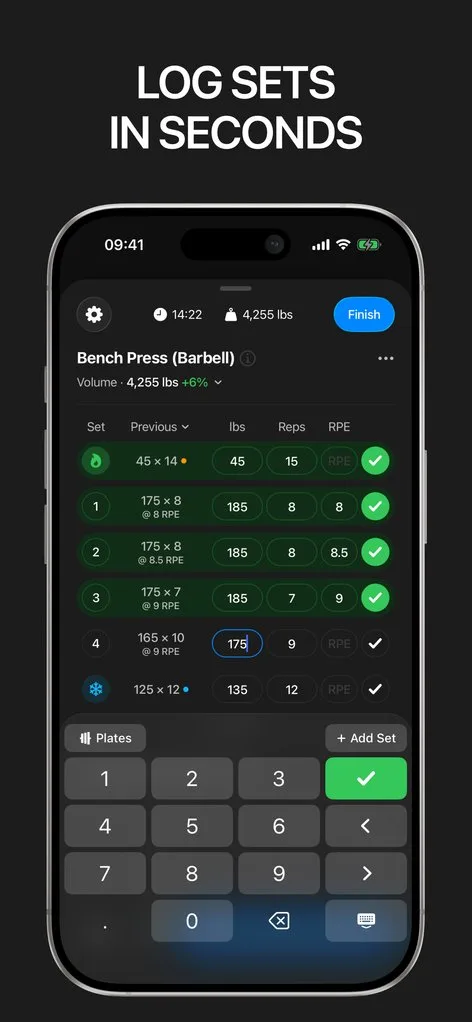
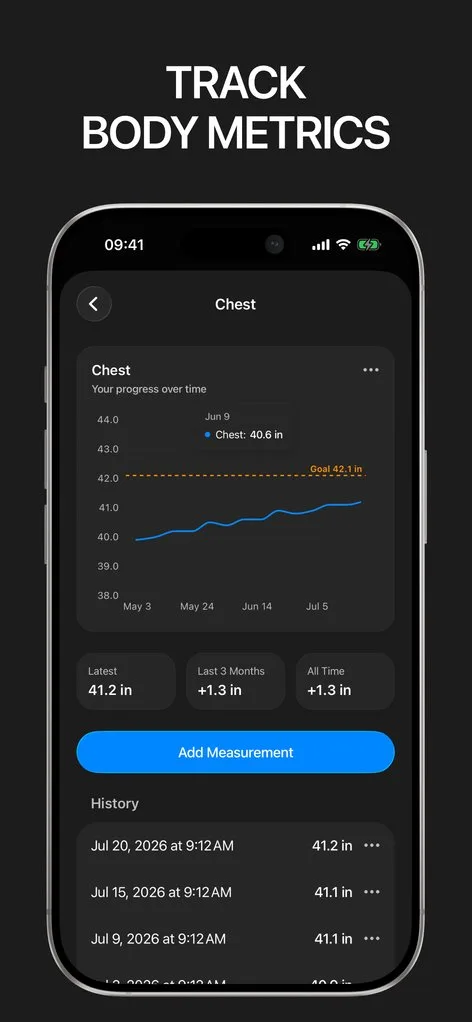
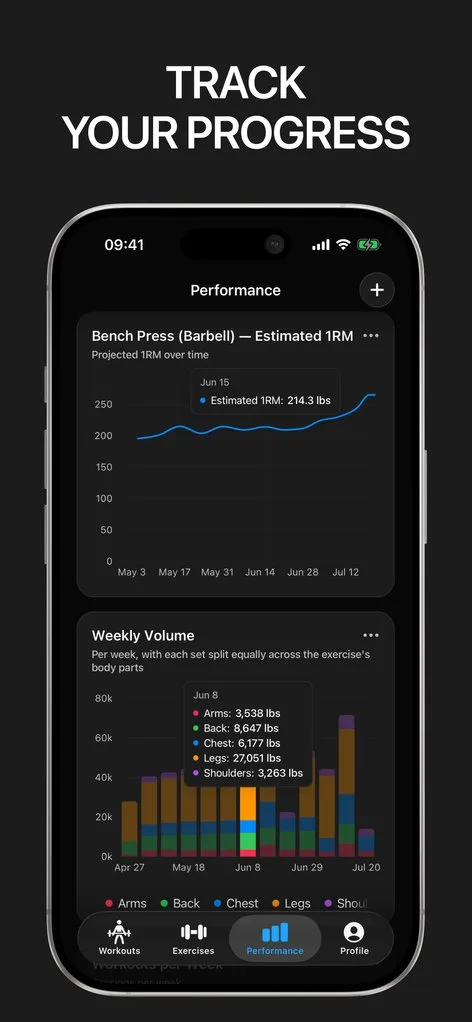
Cross-platform fitness apps carry cross-platform compromises: rest timers that die in the background, lock screens that show nothing, sync that fights the OS. Gript started on iPhone and uses the platform properly.
The workout lives on your lock screen as a Live Activity — current exercise, rest countdown, next set — and you can complete sets from the lock screen without unlocking. On newer iPhones the rest timer sits in the Dynamic Island.
Apple Watch, done right
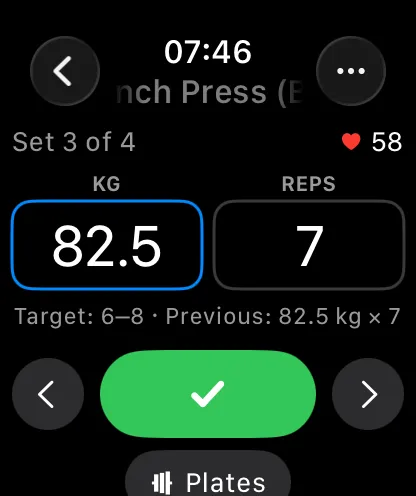
Log entire sessions from the watch: complete sets, adjust weights, and feel the rest timer tap your wrist while the phone stays in your bag. Sessions logged offline on the watch sync back automatically.
A citizen of your Apple Health graph
Workouts write to Apple Health with duration and energy, and body measurements flow both ways — a smart-scale weigh-in appears in Gript automatically, and tape measurements log back to Health. Your training joins the rest of your health data instead of living beside it.
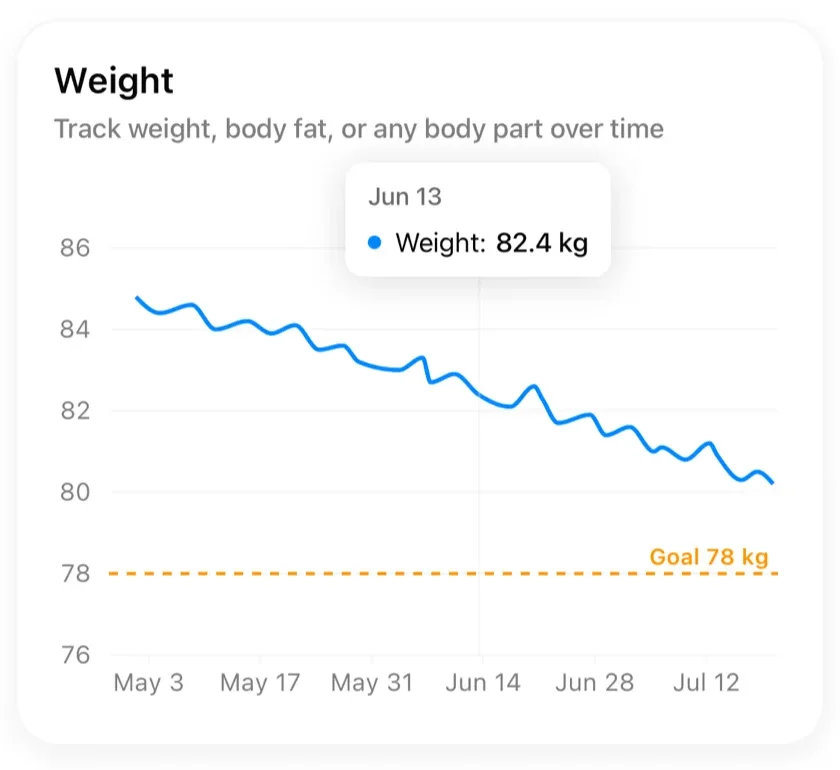
Native speed, native manners
Gript follows your system appearance for light and dark mode, supports units and language per your locale, works fully offline, and respects VoiceOver throughout — the whole app is screen-reader accessible. It feels like Apple could have shipped it, which is the point.
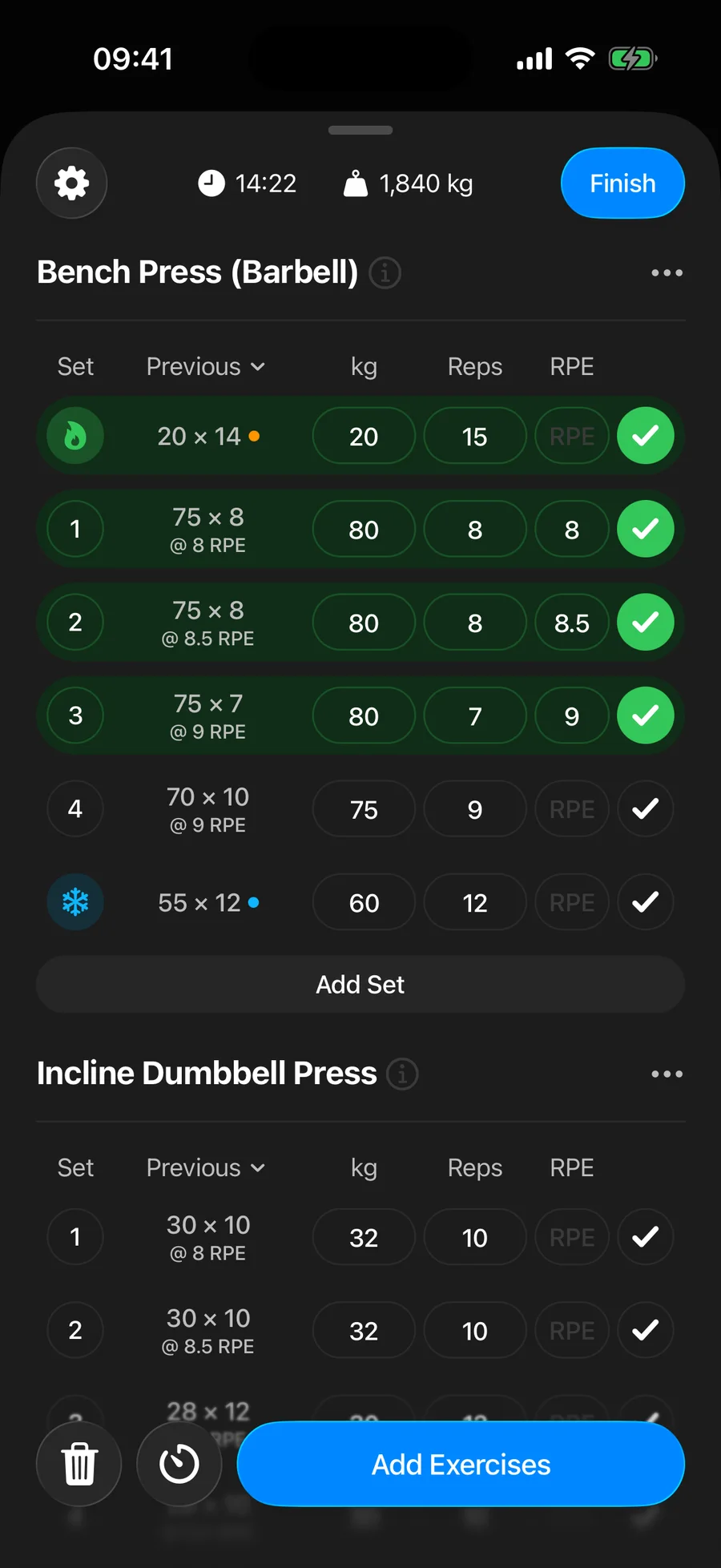
Lifters seem to like it
This app has so far the best interface and experience, everything is so clean and easy to navigate. I like it after trying many other apps.
The charts in this app are insane good!
I feel that every single time I open the app there is a new feature. Thanks for making it better every day.
Real reviews from the App Store.
Common questions
Is Gript on Android too?
Yes. Gript started on iPhone, which is why Live Activities, Dynamic Island, Apple Watch, and Apple Health are done properly instead of approximated, and it is now on Google Play as well with Health Connect sync. The Watch app and Live Activities remain iPhone-only; home-screen widgets are not available yet on either platform.
Does Gript work with Apple Watch?
Yes — as a full logging companion, not a remote control. Complete sets, change weights, and run the rest timer from your wrist, offline if needed, with automatic sync back to the phone.
What shows up in Apple Health?
Completed workouts with duration and estimated energy, plus body measurements in both directions: weight from a connected scale flows in, and measurements you log flow out.
Which iPhones and iOS versions are supported?
Gript supports recent iOS versions; Live Activity requires iOS 16.1 or later and Dynamic Island requires an iPhone 14 Pro or newer. Everything else works across supported devices, and the same app runs on iPad — full screen, in landscape, and in Split View or Slide Over.
Free tools to go with it
From the Help Center
Download Gript free and log your next workout with it. If it does not earn its place, your data exports in one tap.
You're already in Gript
Everything on this page is also available inside the app — this article opens from Help, and the calculators live under Tools.