
A workout log you own, not one that owns you
Years of training data deserve better than a tracker that holds them hostage.


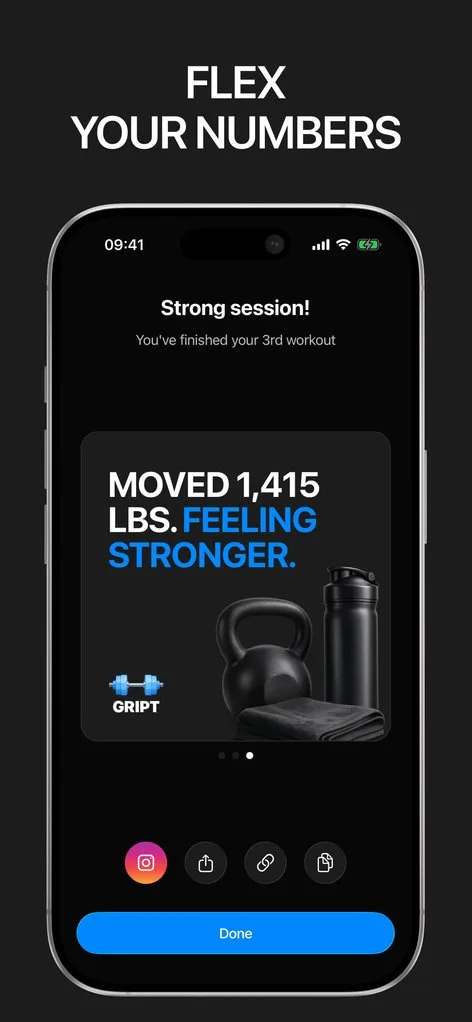
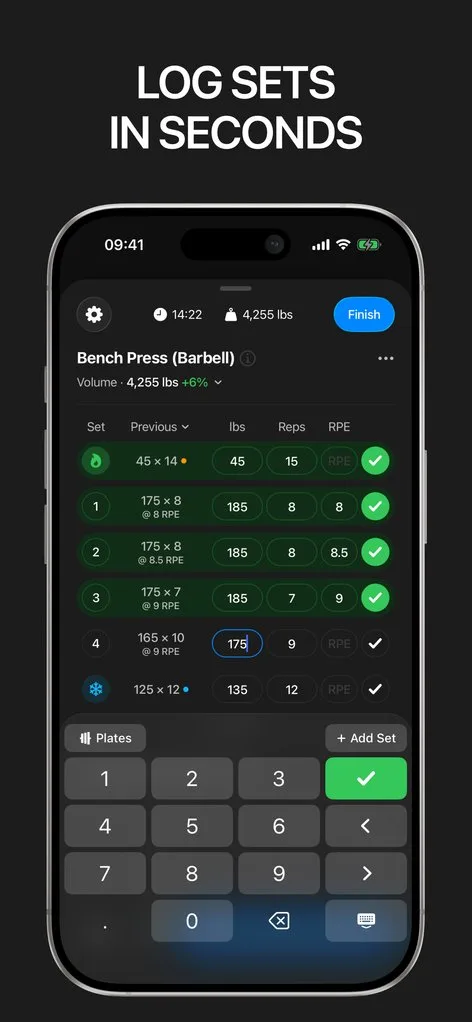
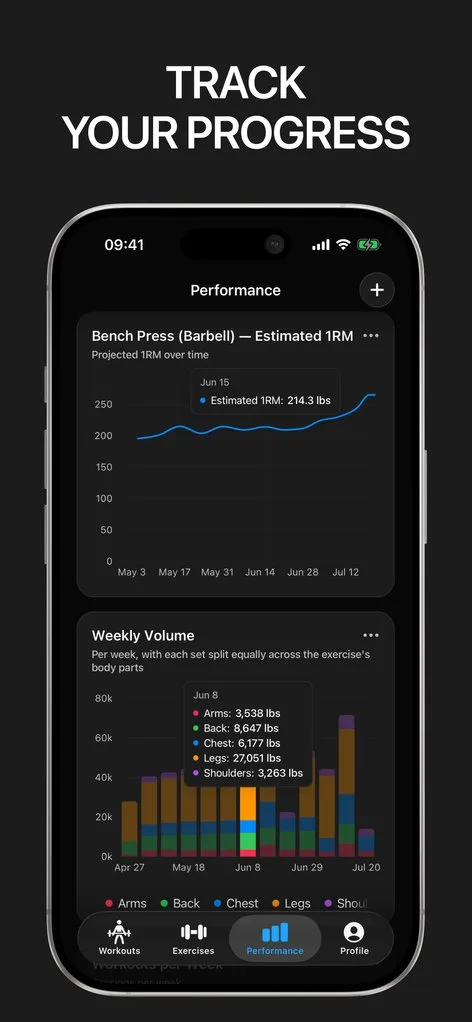
Ask anyone who has switched fitness apps: the log is the moat. Years of sets get trapped behind broken exports or missing imports, so people stay with trackers they have outgrown.
Gript takes the opposite bet. It imports complete per-set history from Hevy, Strong, JEFIT, Fitbod, FitNotes, StrengthLog, GymBook, SugarWOD, Fitness Point, StrongLifts, Lyfta, and Motra — and exports everything to clean CSV, free, forever. If Gript stops earning its place, you leave with everything.
Imports that actually work
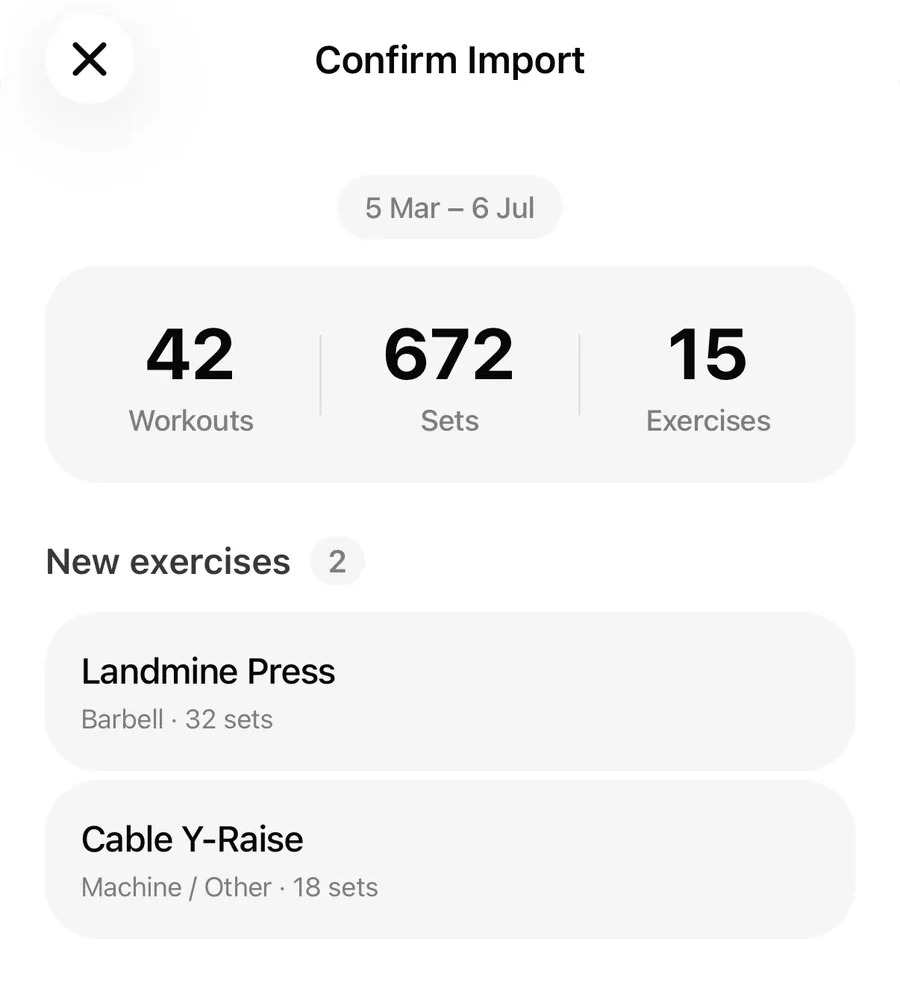
Import is where most trackers cut corners; Gript treats it as a feature. Exercise names are matched to the library automatically, with manual matching for anything unusual. Set types, RPE, and per-set weights survive the trip, and duplicate workouts are skipped, so re-importing never doubles your history. There is even AI import for photographed paper logbooks.
A log worth writing to
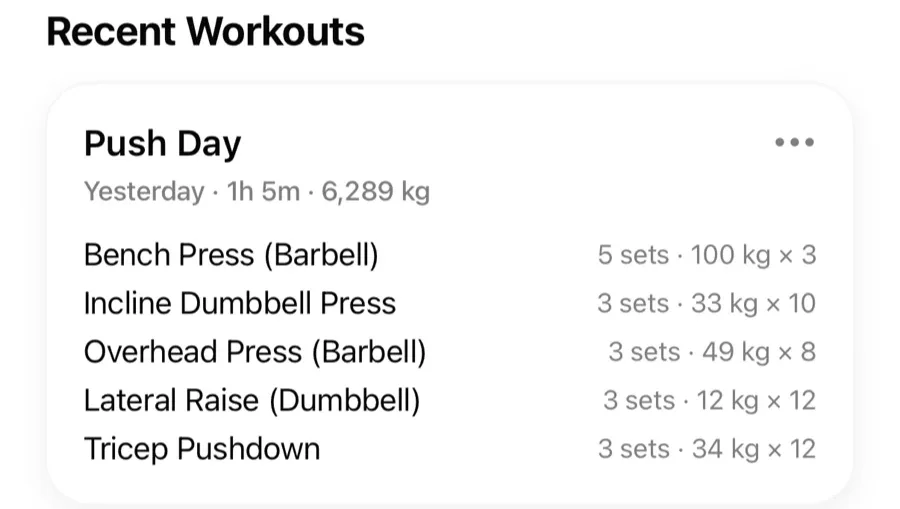
Once your history is in, the daily logging is the fast, previous-values-in-view experience the rest of this site describes: set types, supersets, effort tracking, and an automatic rest timer. Old data plus new data in one place is where the charts get interesting.
Backed up, not locked up
Cloud sync keeps the log safe across devices, guest mode works with no account at all, and body measurements import and export just like workouts. Ownership is the default, not a premium feature.
Lifters seem to like it
This app has so far the best interface and experience, everything is so clean and easy to navigate. I like it after trying many other apps.
The charts in this app are insane good!
I feel that every single time I open the app there is a new feature. Thanks for making it better every day.
Real reviews from the App Store.
Common questions
Which apps can Gript import a workout log from?
Hevy, Strong, JEFIT, Fitbod, FitNotes, StrengthLog, GymBook, SugarWOD, Fitness Point, Forge, StrongLifts, Lyfta, Motra, Ladder, Alpha Progression, SmartGym, Fitness Buddy, GymTracker, Strongineering, Bolt, FitSession, and HeavySet via their CSV exports — with full per-set history — plus AI import for photos of paper logbooks. Import guides for each app are in the Help Center.
Will my old PRs and records carry over?
Yes. Imported sets are treated like logged sets, so records, estimated 1RM history, and charts are computed across your entire history, not just what you log after switching.
What does the export include?
Everything: every workout, exercise, set, weight, reps, set type, RPE, and note, in a clean CSV you can open in any spreadsheet or import elsewhere. Body measurements export separately.
Is import free?
Yes — both import and export are free features. Switching trackers should not cost money on top of effort.
Free tools to go with it
From the Help Center
Download Gript free and log your next workout with it. If it does not earn its place, your data exports in one tap.
You're already in Gript
Everything on this page is also available inside the app — this article opens from Help, and the calculators live under Tools.