
A training diary your future self will thank you for
Paper logbooks fade and spreadsheets sprawl. Keep the diary that keeps itself organized.


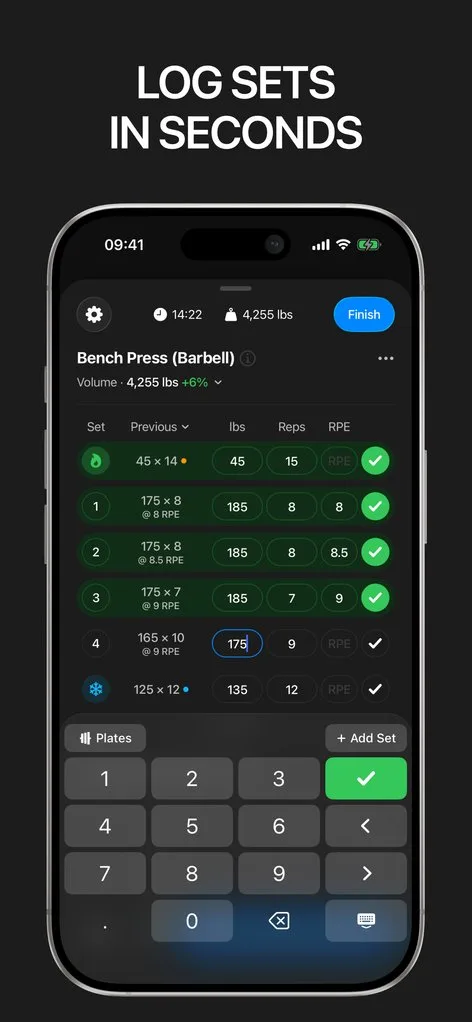
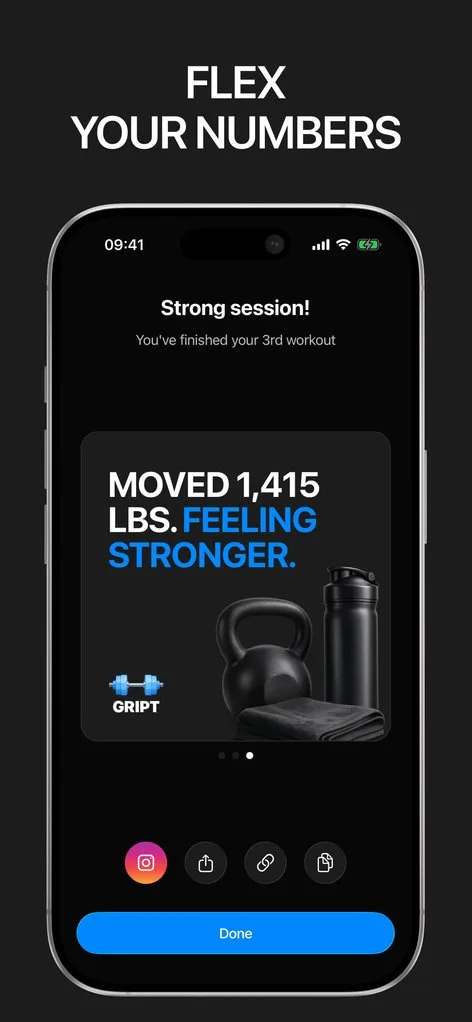
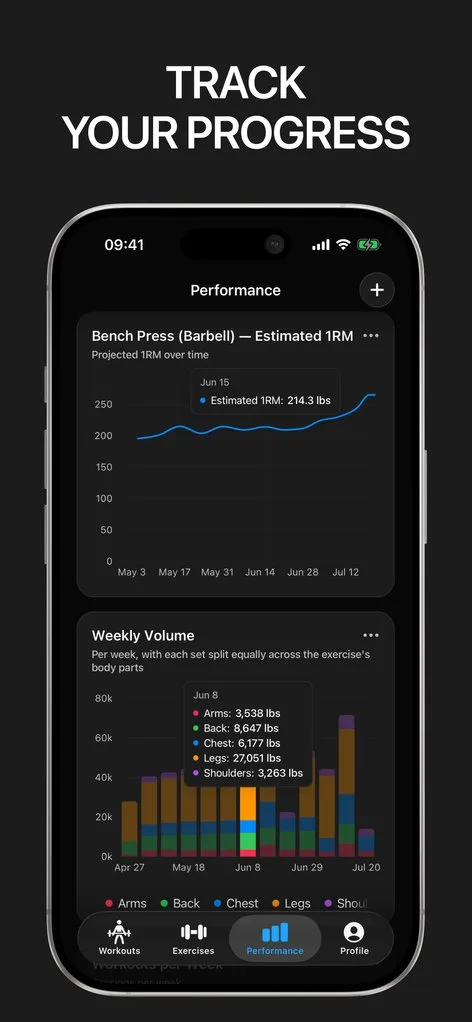
Lifters who keep a diary for years develop an unfair advantage: they stop guessing. Starting weights after a layoff, what worked before a PR, how long a plateau really lasted — it is all written down.
Gript is that diary with the friction removed. Sessions log themselves as you train, notes capture the context numbers miss, and any entry can be corrected later — no crossed-out pages.
More than sets and reps
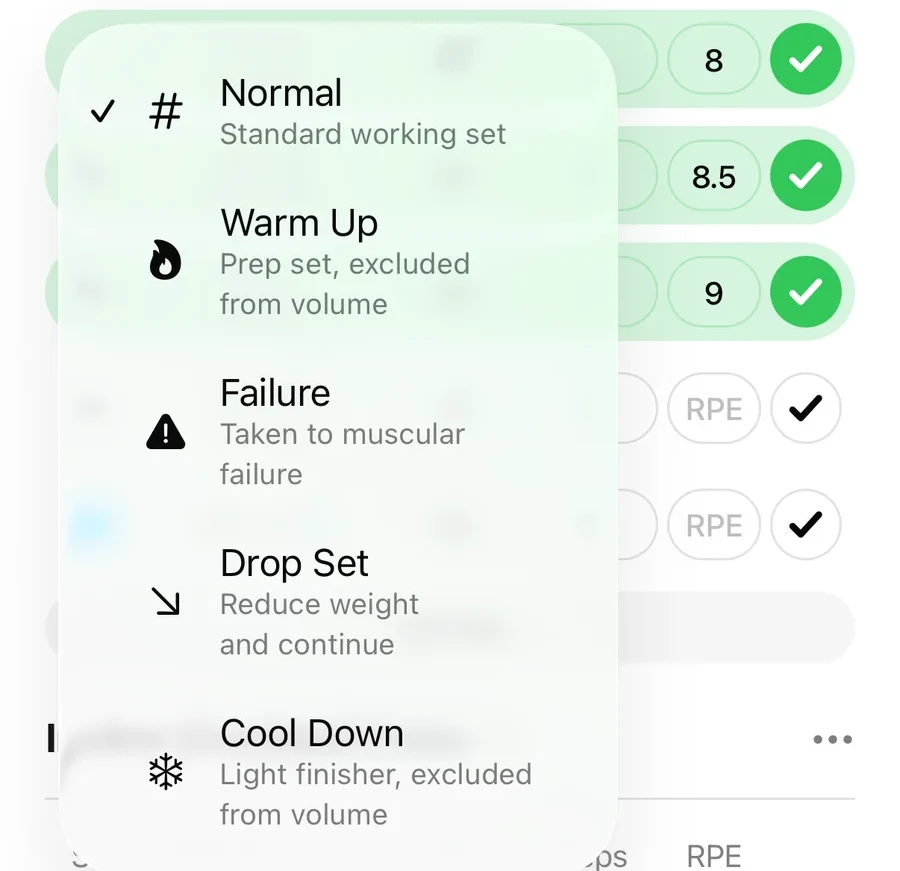
A good diary records how training felt, not just what happened. RPE and RIR capture effort per set, set types mark warm-ups and failure sets honestly, and per-exercise notes hold the details — sleep, cues, tweaks — that explain a good or bad day when you reread it months later.
Safe for the long haul
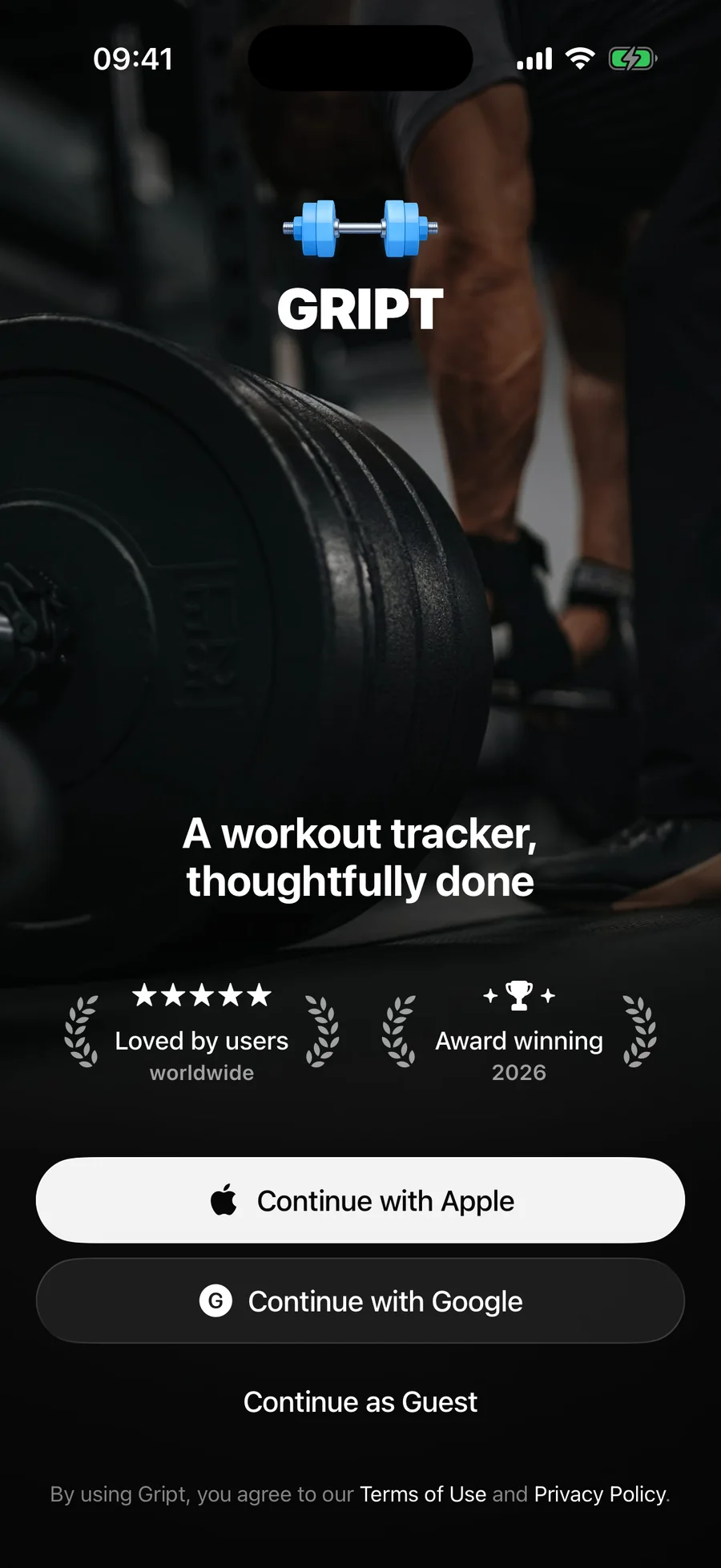
A diary is only valuable if it survives. Sign in with Apple or Google and every entry syncs to the cloud, restorable on a new phone in minutes. Prefer to stay anonymous? Guest mode logs locally and can link an account later without losing a single session. And export produces a complete CSV of everything, anytime.
A diary that reads itself
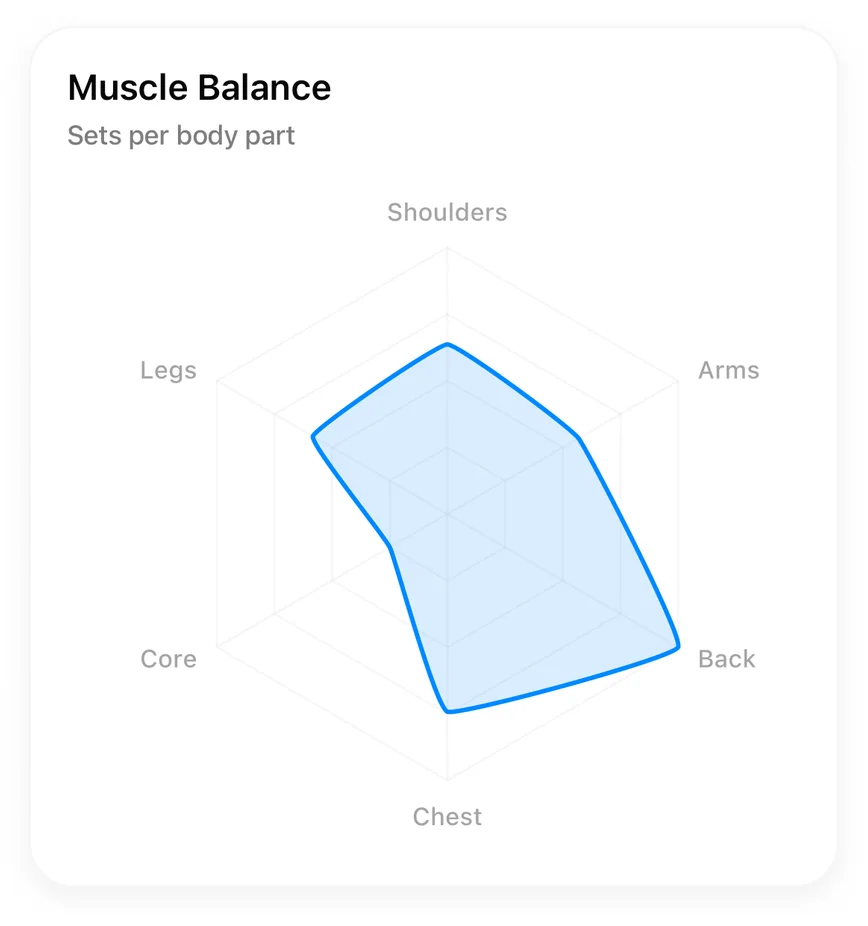
Unlike paper, this diary computes. Every entry feeds charts per exercise, weekly muscle balance, and a weekly goal streak — so patterns that would take an evening with a highlighter surface on their own. Old diaries from other apps or even paper import in.
Lifters seem to like it
This app has so far the best interface and experience, everything is so clean and easy to navigate. I like it after trying many other apps.
The charts in this app are insane good!
I feel that every single time I open the app there is a new feature. Thanks for making it better every day.
Real reviews from the App Store.
Common questions
Can I write free-form notes in my training diary?
Yes — notes attach per exercise within each workout, so context lives exactly where it belongs. Setup details persist between sessions for the same exercise; session-specific observations stay in that day’s entry.
Can I edit or backfill past workouts?
Yes. Any past workout can be opened and edited — sets, weights, exercises, notes, date, and duration — so a missed entry or a typo never corrupts the record.
Is my diary backed up?
When you sign in, every workout syncs to the cloud automatically and restores on any new device. Without an account, everything is stored locally on your iPhone, and you can add an account later without losing data.
Can I get my data out?
Always. A full CSV export of your complete history — every set, weight, rep, and note — is available in the app, free.
Free tools to go with it
From the Help Center
Download Gript free and log your next workout with it. If it does not earn its place, your data exports in one tap.
You're already in Gript
Everything on this page is also available inside the app — this article opens from Help, and the calculators live under Tools.