
An exercise log with a memory for every lift
What did you press last month? Your exercise log knows — with charts, notes, and records per lift.


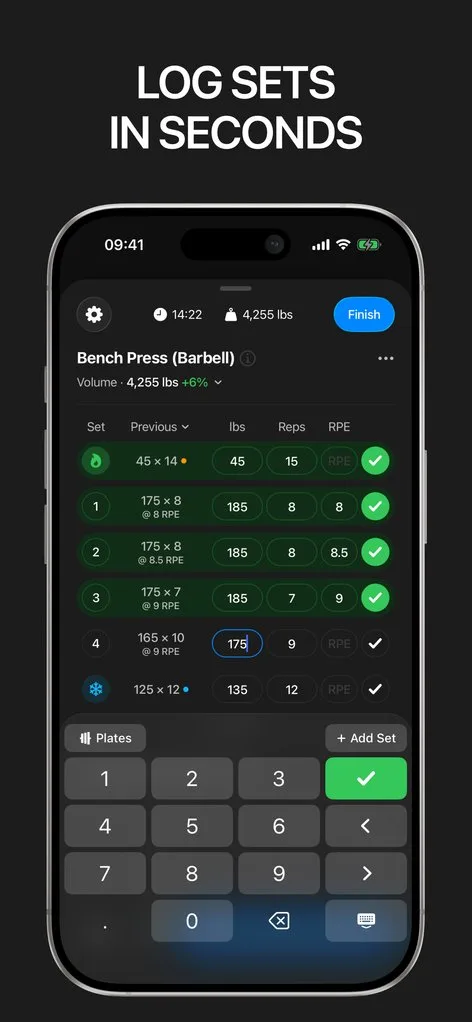
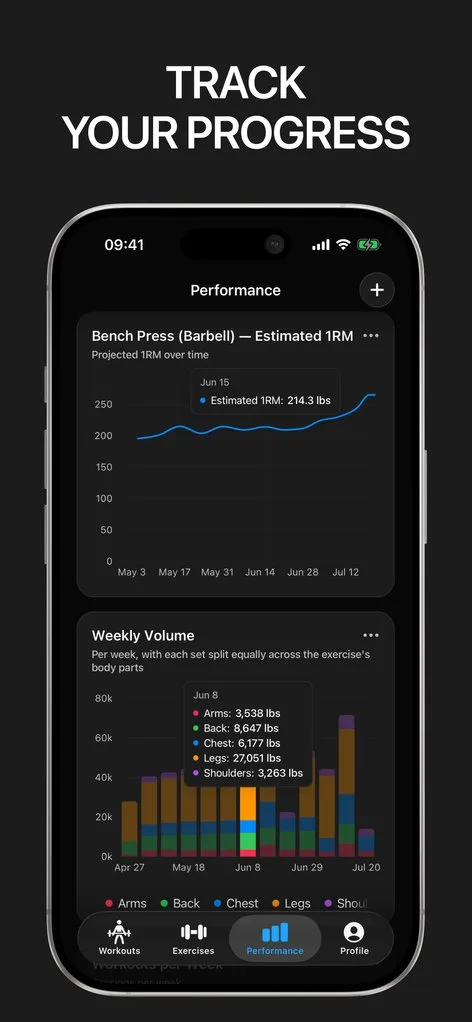
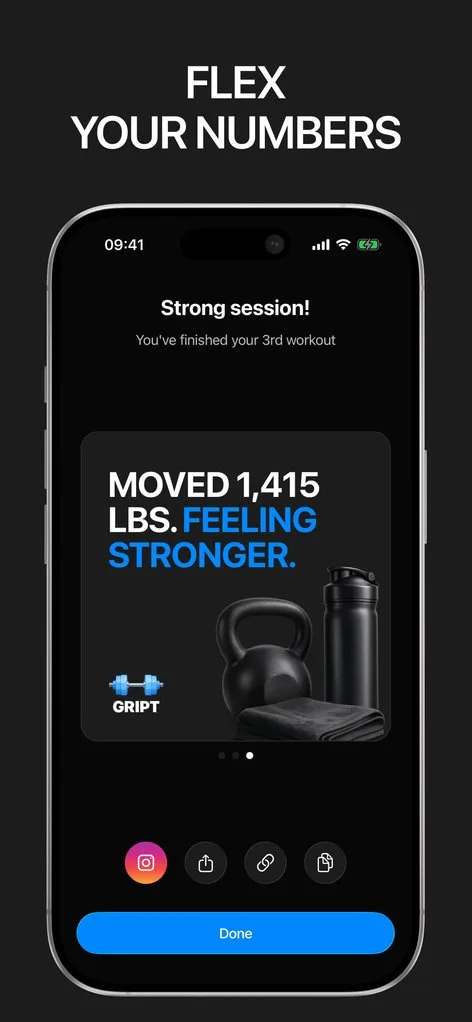
Somewhere in your training history is the answer to every programming question you have: what weight to start at after a break, whether high-rep leg press ever did anything, which grip made rows feel right. An exercise log exists to make those answers retrievable.
In Gript, every movement has its own exercise page: complete set history, charts of estimated max and volume, personal records, and notes that persist between sessions.
A library that covers your training
The exercise library spans barbell, dumbbell, machine, cable, and bodyweight movements, organized by muscle and equipment, with multiple exercise types — strength, timed, and bodyweight-with-added-weight all log correctly. Anything missing takes seconds to add as a custom exercise, and you can report gaps so the library keeps growing.
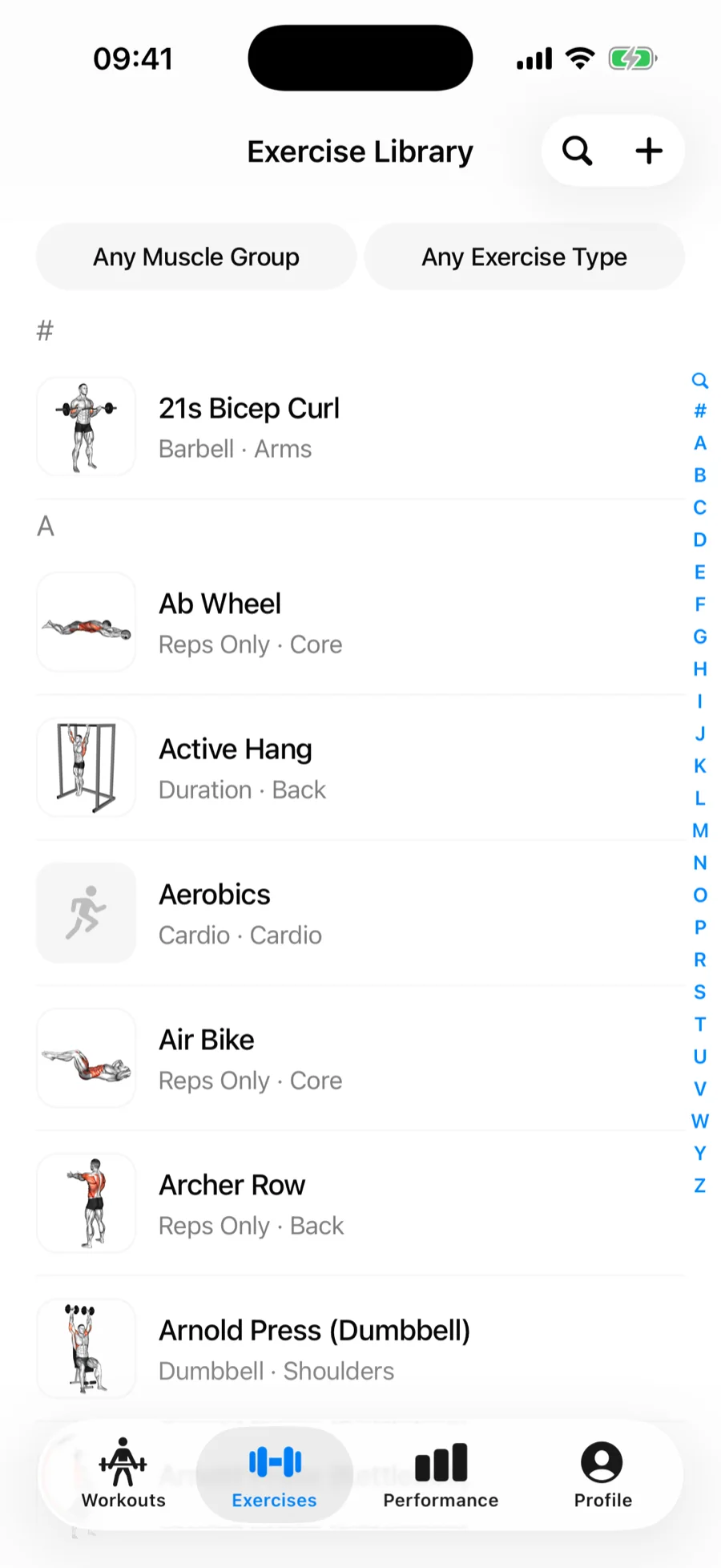
History you can actually use
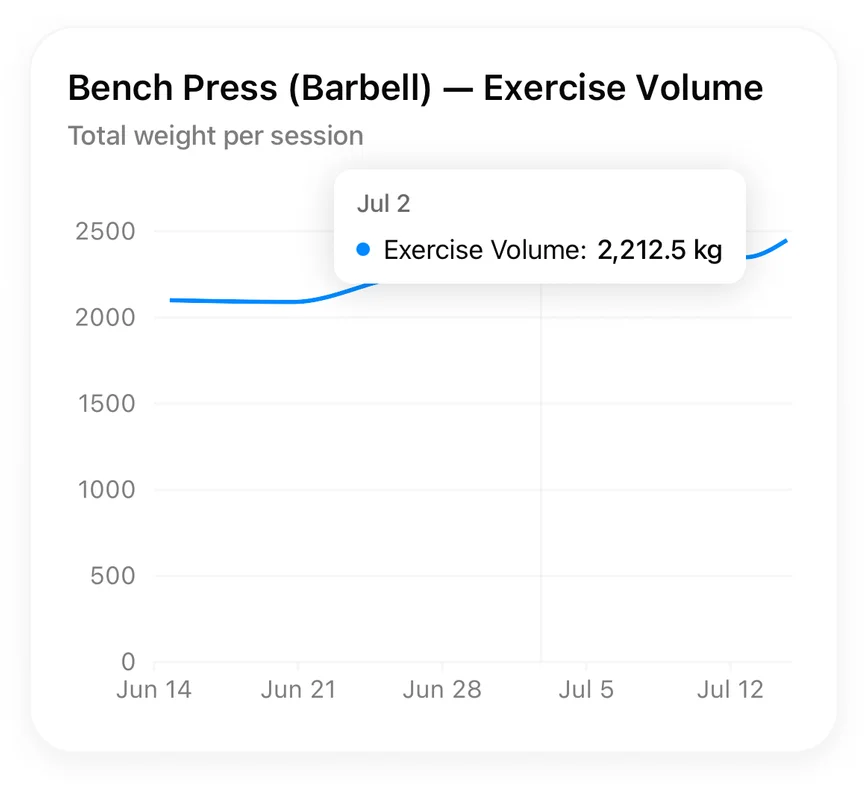
Swapping movements mid-session? Replace an exercise and the log stays clean. Spotted an error from last week? Edit any past workout. Each exercise page shows charts you can configure — estimated 1RM, best set, total volume — so a year of logging reads at a glance.
In and out without lock-in
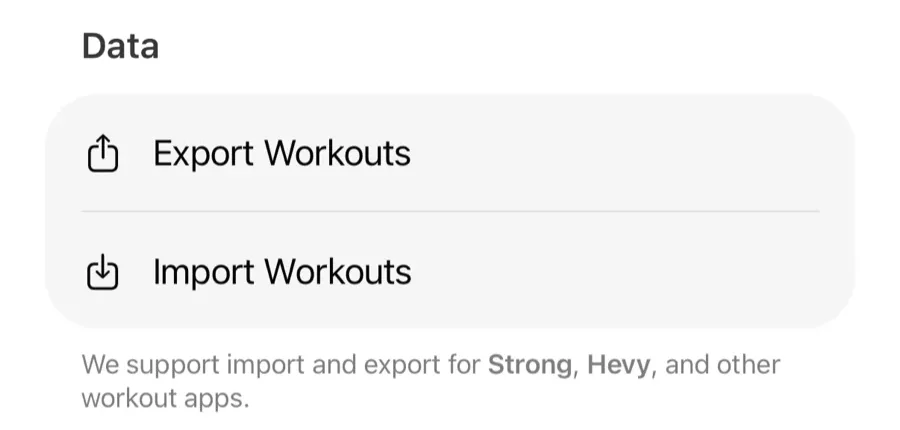
An exercise log is a long-term asset, so portability matters. Gript imports full per-set history from eight other trackers with automatic exercise matching, and exports everything back to CSV anytime. Your log outlives any app — including this one.
Lifters seem to like it
This app has so far the best interface and experience, everything is so clean and easy to navigate. I like it after trying many other apps.
The charts in this app are insane good!
I feel that every single time I open the app there is a new feature. Thanks for making it better every day.
Real reviews from the App Store.
Common questions
How many exercises does Gript include?
The built-in library covers hundreds of movements across barbell, dumbbell, machine, cable, kettlebell, and bodyweight training, organized by muscle group and equipment. Custom exercises are unlimited with Gript PRO, and the free tier includes a generous allowance.
Can I see the full history for one exercise?
Yes — that is the core of the app. Every exercise page shows all past sets grouped by session, charts of your estimated 1RM, volume and best sets, your records, and your notes for that movement.
What if an exercise I do is missing?
Create it as a custom exercise in seconds — pick the muscle groups, equipment, and type, and it behaves like any built-in movement, with its own history, charts, and records.
Can I import my old logs?
Yes. Gript reads CSV exports from Hevy, Strong, JEFIT, Fitbod, FitNotes, StrengthLog, GymBook, SugarWOD, Fitness Point, Forge, StrongLifts, Lyfta, Motra, Ladder, Alpha Progression, SmartGym, Fitness Buddy, GymTracker, Strongineering, Bolt, FitSession, and HeavySet, and can even read a photographed paper logbook. Exercise names are matched to the library automatically, with manual matching for anything ambiguous.
Free tools to go with it
From the Help Center
Download Gript free and log your next workout with it. If it does not earn its place, your data exports in one tap.
You're already in Gript
Everything on this page is also available inside the app — this article opens from Help, and the calculators live under Tools.